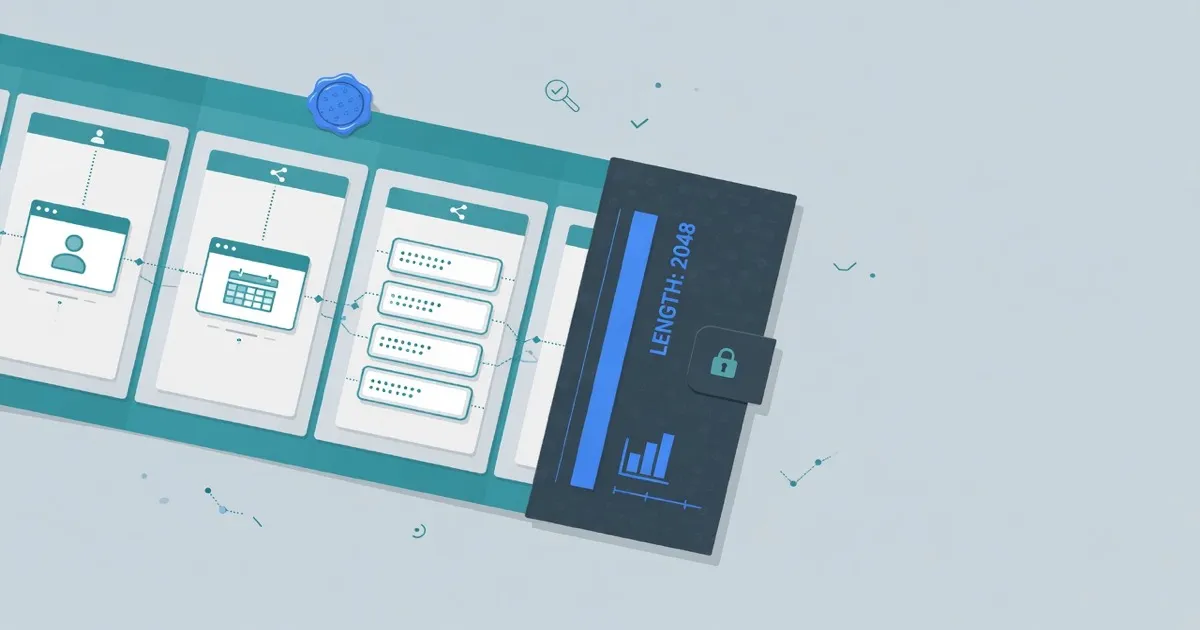
A PEM decoder splits BEGIN and END blocks and reads what it can from the DER inside. Paste one or more blocks into the FindUtils PEM Decoder to see type, DER length, and certificate identity fields such as subject, issuer, dates, and SAN. Decode runs in your browser. The tool does not scan hosts and does not contact a CA.
Private key material is not printed. For PRIVATE KEY blocks you get type, length, and algorithm when the parser finds it.
Why Decode PEM in the Browser
PEM is base64 DER between labeled lines. You often need to know what a file is before you install it: a leaf certificate, a CSR, or a key.
Decode PEM locally when:
- You received a certificate file and need the CN or SAN. Subject and SAN appear when the walk succeeds.
- You must confirm dates. Not-before and not-after show on readable certificates.
- You do not want to send the PEM to a host scanner. This page does not open a TLS connection.
- The block might be a private key. Key bytes stay hidden.
The honest limit: this inspects the pasted block. It does not verify a chain, and it does not prove that a live host presents this certificate. For a live URL, use the SSL Certificate Checker.
How to Decode a PEM Online
Include the BEGIN and END lines. One paste can hold several blocks.
Step 1: Paste the PEM
Open the FindUtils PEM Decoder. Paste the full block, including the header and footer lines.
Step 2: Decode
Click Decode. Read type and DER length first. For a certificate, also read subject, issuer, serial, signature algorithm, public key algorithm, dates, and SAN when those fields parse.
Step 3: Read keys with care
If the block is a private key, only type, length, and algorithm appear. The page does not print key bytes.
Step 4: Use the sample when you need a known shape
Load sample produces a local certificate with CN=localhost. Use it to see the field layout without pasting a real secret.
PEM Decoder vs a Live SSL Check
A decoder reads bytes you already have. A live checker opens a connection to a hostname.
| Capability | FindUtils |
|---|---|
| Input | Pasted PEM |
| Contacts a CA or host | No |
| Verifies the chain | No |
| Runs in the browser | Yes |
Best for: Use the PEM Decoder when the file is already on your machine. Use the SSL Certificate Checker when you need what a hostname presents right now. Use OpenSSL when you must verify a chain on disk.
Practical Examples
Example 1: Confirm SAN before you install a cert
A vendor sends site.crt. Decode it. Read SAN. If the names do not match the host you serve, stop before you reload the web server.
Example 2: See why a CSR was rejected
Paste the CSR PEM. Read subject and public key algorithm. Compare those fields to the request you sent the CA.
Example 3: Identify a mystery .pem file
The filename is legacy.pem. Decode it. The type line tells you whether you are holding a certificate, a CSR, or a key. If subject cannot be read, the page may show structure only: type and length.
Common Mistakes
Mistake 1: Treating decode as chain verification
A readable subject does not mean a trusted chain. This tool does not verify signatures against a CA bundle.
Mistake 2: Pasting a private key into a ticket
The decoder hides key bytes on the page. A paste in email or chat still leaks the key. Keep private keys in a secret store.
Mistake 3: Using this page as a live SSL test
It does not connect to a host. Use the SSL Certificate Checker for a URL.
Mistake 4: Expecting every exotic PEM to show subject
Some blocks only show type and length if the ASN.1 walk cannot read names. That is a parser limit, not a valid certificate.
Limits You Should Plan For
The decoder walks enough X.509 to show identity fields on common certificates. Unusual encodings can fall back to structure only: type and length, plus a parse note.
Input is a paste, not a directory of files. Bundle several blocks in one paste if you hold a leaf plus intermediates. The decoder still does not prove that those blocks form a trusted chain.
The REST surface for this tool omits private key bits on purpose. Do not treat a successful decode as permission to paste the same PEM into a chat.
Tools Used in This Guide
- PEM Decoder — Inspect PEM certificates, CSRs, and keys in the browser
- SSL Certificate Checker — Check the certificate a live host presents
- JWT Decoder — Inspect a token locally
- HMAC Generator — Build an HMAC for a message you already hold
FAQ
Q1: Is the PEM decoder free? A: Yes. FindUtils PEM Decoder is free, with no signup. Decode runs in your browser.
Q2: Does this contact a CA? A: No. Decode is local. The page may still load analytics or ads.
Q3: Can it decode a private key? A: It shows the PEM type and length. It does not print key bytes or send the key anywhere.
Q4: Is this a live SSL check? A: No. Use the SSL Certificate Checker for a live URL.
Q5: What if subject is missing? A: Some PEMs only show type and length if the walk cannot read names.
Q6: Does it verify the chain? A: No. It inspects the pasted block.
Q7: Do I need an account? A: No. Paste the PEM and click Decode.
Next Steps
- Check a live host with the SSL Certificate Checker
- Lint dotenv files with the Env Linter
- Read is it safe to decode a JWT online
- Open the SSL certificate checker guide