Skip to content

Guides

265 step-by-step guides that end in a tool you can open. Written against the tool's real behaviour and checked against primary sources.

A grey speech bubble on a dark indigo background next to four round face icons, smiling yellow, frowning blue, neutral grey and angry red, above a slider bar running from red to green with its knob near the green end.

Featured · Text

Tone Analyzer: Check the Tone and Sentiment of Your Writing

Paste at least five words into the Tone Analyzer and it shows a dominant tone, an overall sentiment, a writing style and a list of detected tones with percentages. It works from an English keyword list, in your browser, with no AI model. This guide explains each result with examples tested on the live tool, how the percentages are calculated, and the cases where you should trust your own reading over the score.

7 min read Updated Uses Tone Analyzer

Learning paths

Short series that take you from the first step to a finished result.

Page-by-page guides

Short series that you turn like a book: swipe, tap the edge of a page, or save the whole series as a PDF.

Latest guides

Finance · 8 min

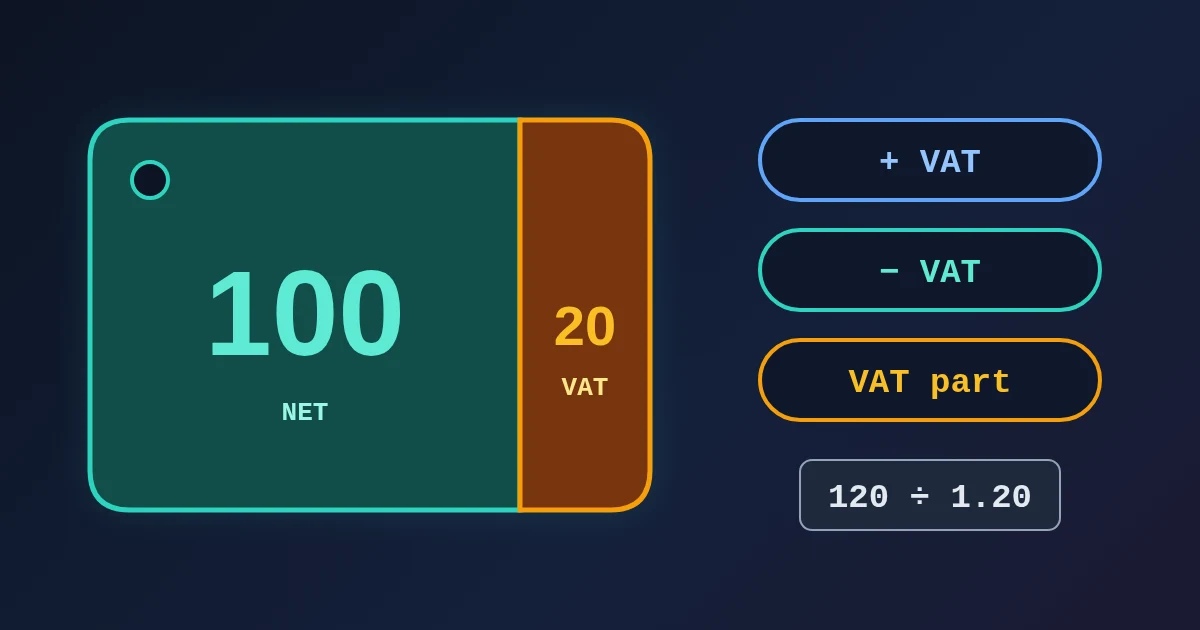
Profit Margin Calculator: Find Margin, Markup and the Right Selling Price

Enter what an item costs you and what you sell it for, and the Profit Margin Calculator shows the profit, the margin (profit as a share of the price) and the markup (profit as a share of the cost) side by side. Two more modes work backwards from a target margin or a target markup to the selling price. This guide covers all three modes with tested examples, the formulas, and what to put in the cost.


Profit Margin Calculator

SEO · 9 min

URL Slug Generator: Turn Titles into Clean, SEO-Friendly Slugs

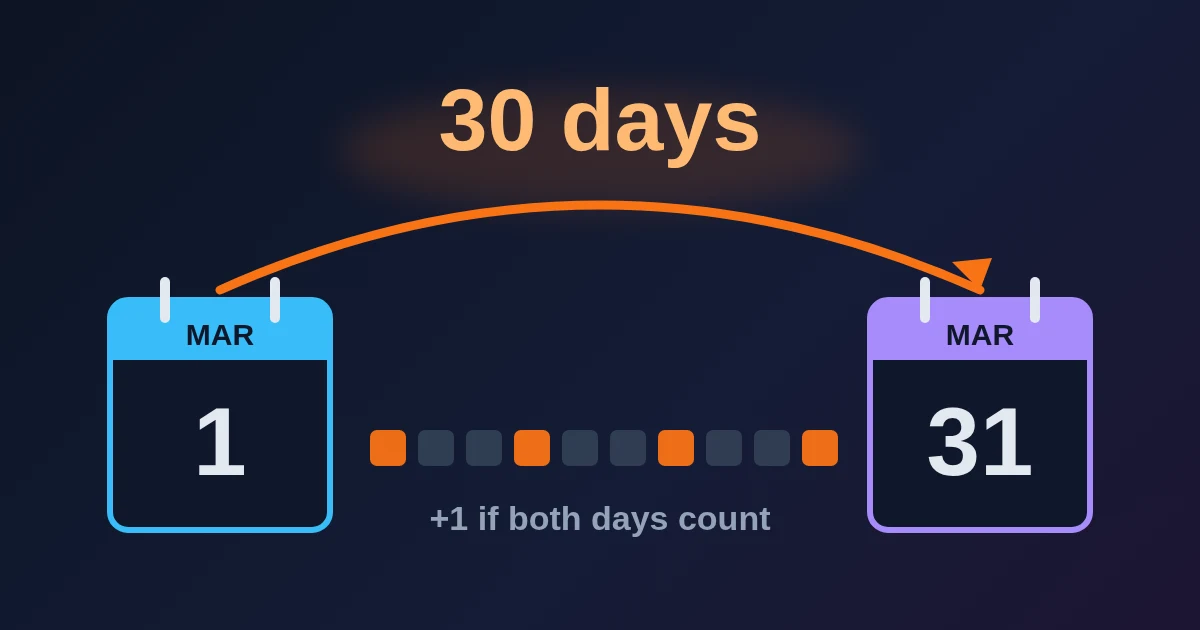
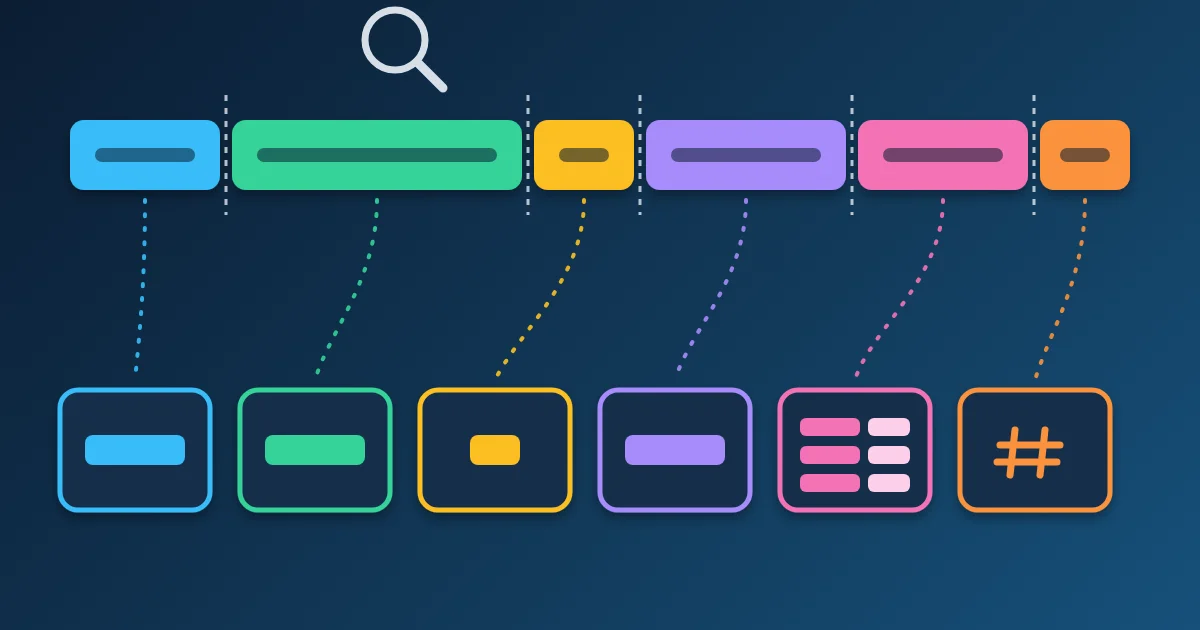
Paste a title and get a clean URL slug: lowercase, hyphen-separated, punctuation removed and accented letters transliterated. This guide walks through every option (separator, max length, stop words, lowercase, bulk mode and CSV export), shows tested before-and-after examples, and lists the cases you should still check by hand.

URL Slug Generator

Security · 8 min

WHOIS Lookup: Check a Domain's Registrar, Expiry Date, Status and DNSSEC

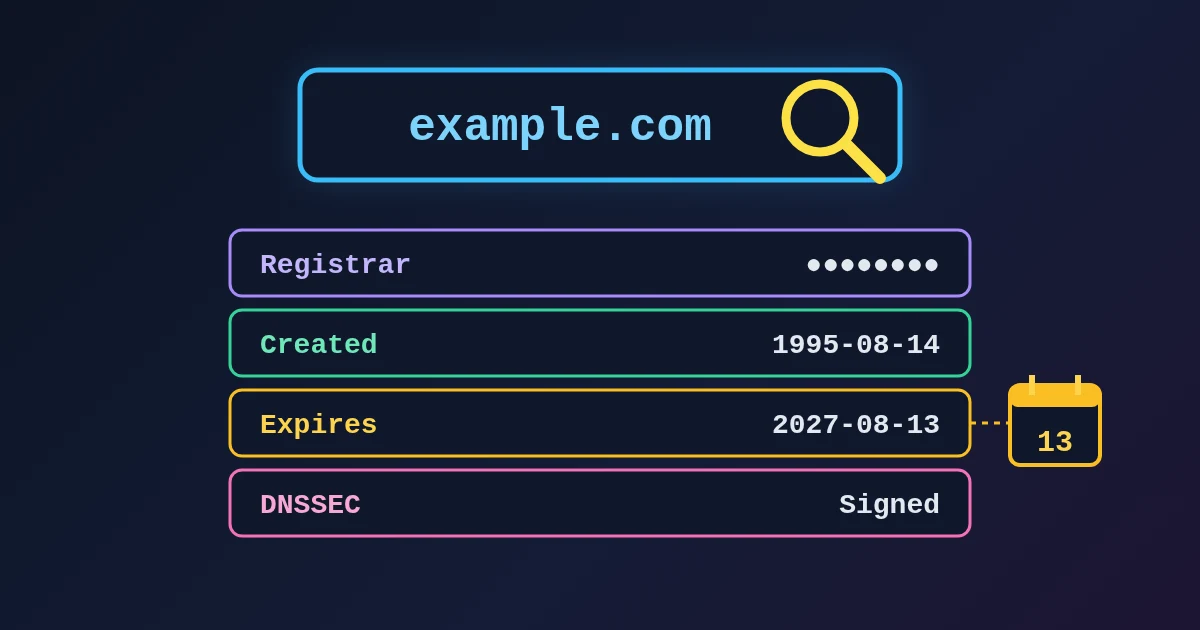
Type a domain into WHOIS Lookup and you get its registration record in a few seconds: the registrar, when it was registered, last changed and set to expire, its status codes, its nameservers and whether DNSSEC is switched on. This guide walks through each field, shows real results for example.com, explains why some domains and extensions return nothing, and lists the input mistakes that cause most failed lookups.

WHOIS Lookup

All guides