
FindUtils is an online utility platform for developers, designers, students, and other professionals.
The platform gives you three ways to complete practical tasks.
- Open a tool in your browser.
- Call an eligible tool through the REST API.
- Let a compatible AI assistant call an eligible tool through MCP.
These access paths use one growing tool catalog.
You can start with the complete FindUtils tool directory.
Use a tool directly in your browser
The browser catalog covers common work in development, design, documents, security, text, finance, and other categories.
Each tool page focuses on one task.
Examples include JSON formatting, password generation, image compression, PDF work, color conversion, and financial calculations.
The public catalog lets you open a tool directly from its page.
Many tools process their input in the browser.
Some network and live-data tools use a fixed external source.
Check the tool notes before you use sensitive data.
The popular tools page helps you find common starting points.
The new tools page shows recent additions.
Call utilities through the REST API
Browser work is useful for one task at a time.
Software needs a repeatable interface.
The FindUtils REST API gives eligible tools a structured request and response format.
Each REST reference page shows the endpoint, input fields, required values, and a sample request.
This surface helps with scripts, internal products, workflows, and small automations.
The FindUtils API catalog lets you search the available endpoints.
The API documentation explains the shared request and response rules.
Give AI assistants an MCP tool catalog
An AI assistant can describe a result but still need a reliable utility to calculate or transform data.
The Model Context Protocol gives compatible assistants a standard tool connection.
The FindUtils MCP server exposes eligible utilities through that connection.
Each MCP reference page shows the connection details, input schema, and related REST endpoint.
This structure lets you review the tool contract before an assistant uses it.
The FindUtils MCP catalog explains the connection and lists the available tools.
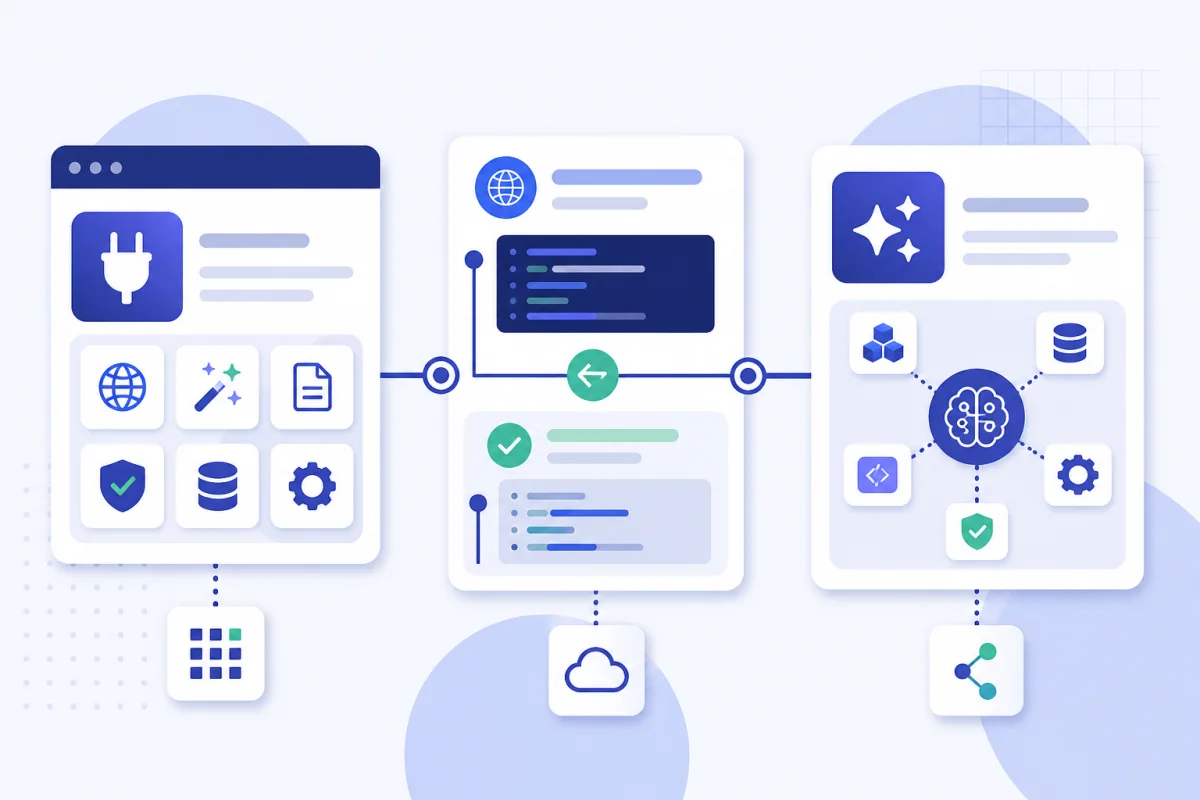
Choose the access path that fits the task
Use the browser when you want a quick result and direct control.
Use the REST API when software must repeat the same operation.
Use MCP when a compatible AI assistant must select and call a utility.
You can also combine these paths.
For example, you can test an input in the browser before you add the same operation to a script.
You can then give the related MCP tool to an assistant that supports the same workflow.
Learn through guides and reference pages
A tool page helps with an immediate task.
A guide explains a complete workflow or decision.
The FindUtils guides library covers practical topics and links to related tools.
The FindUtils blog adds platform news, comparisons, and technical explanations.
REST and MCP tools also have dedicated reference pages.
These pages keep the input schema and samples close to the tool.
What FindUtils does not promise
No tool can make every input safe or every result correct for every professional use.
Review important output before you use it in production, legal work, medical work, or financial decisions.
Check the FindUtils privacy policy for the site rules.
Check each tool page for task-specific limits.
Do you want an article about your software tool?
FindUtils now accepts paid article writing requests for software tools.
The writing package gives you an edited article for your own site or publication.
The writing and publication package adds editorial review and sponsored publication on FindUtils.
Sponsored articles show a clear label.
Paid customer links use sponsored and nofollow attributes.
FindUtils does not promise search rankings, traffic, or sales.
Read the article writing service details and send your tool brief.
Start with one useful task
FindUtils works best when you start with a clear task.
Open the full tool directory for browser work.
Open the REST API catalog for software integration.
Open the MCP catalog for a compatible AI assistant.