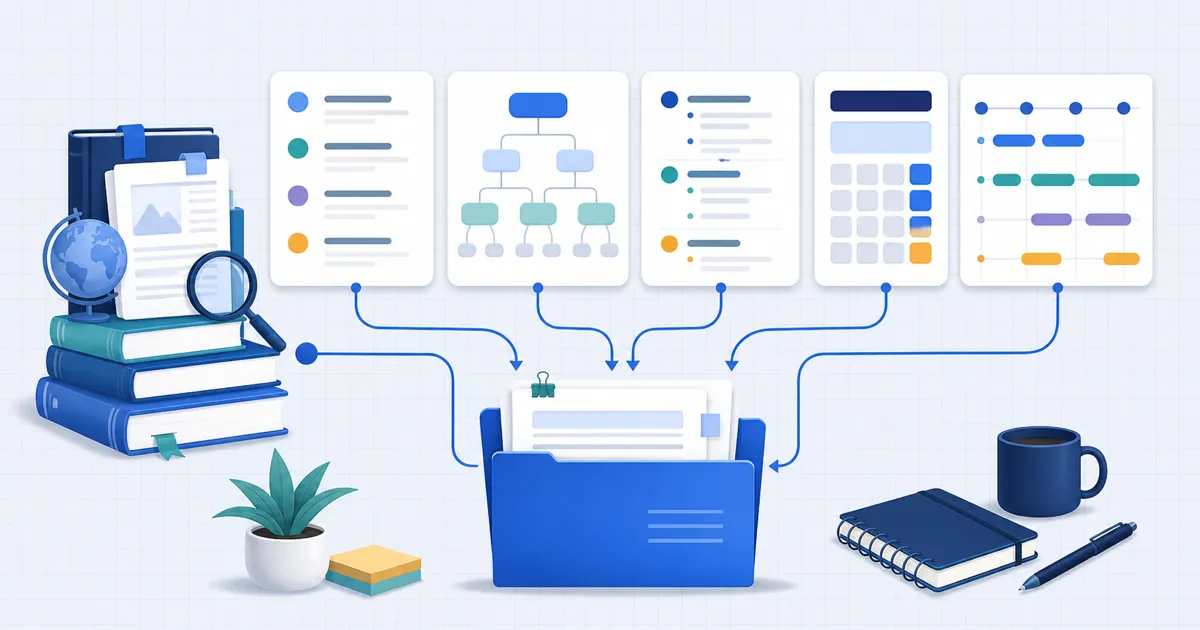
Choose an academic tool for one stage of your assignment: plan the argument, format references, inspect data, or check weighted grades. FindUtils provides focused utilities for those tasks. A generated citation or writing suggestion still needs review against the source and your institution’s requirements.
Why Free Academic Tools Matter More Than Ever
Choose a free utility when it meets the task. A subscription can still provide collaboration, source management, or editorial features that a focused generator does not offer.
Keep the assignment requirements beside the output. A convenient result still needs the correct source details, grading rules, and review.
- Check the source details before accepting a reference.
- Keep a copy of the original research data.
- Use the institution’s stated grade weights.
The Complete Academic Toolkit: 15 Free Tools by Workflow Stage
Stage 1: Planning Your Paper
Citation Generator
Accurate citations are non-negotiable in academic writing. The FindUtils Citation Generator creates properly formatted references in APA, MLA, Chicago, and Harvard styles. Enter your source details — book, journal article, website, or conference paper — and get an instant, copy-ready citation.
Best for: Building a bibliography as you research, formatting in-text citations, switching between citation styles when submitting to different journals.
Research Title Generator
A weak title can get your paper overlooked. The Research Title Generator creates compelling titles based on your research type (quantitative, qualitative, mixed methods, literature review, or case study), key variables, and target population.
Choose a title that identifies the research topic and scope. Follow the target journal’s title requirements; there is no single word limit for every discipline.
Best for: Brainstorming paper titles, refining a working title before submission, generating options for conference presentations.
Thesis Statement Generator
Every strong paper starts with a clear thesis. The Thesis Statement Generator builds focused thesis statements for argumentative, analytical, expository, and compare/contrast essays. Enter your topic, your position, and optionally your supporting reasons — the tool produces a thesis with a strength indicator showing whether it's specific and debatable enough.
Best for: Undergraduate essays, graduate proposals, overcoming writer's block on the central argument.
Essay Outline Generator
Structuring a paper is where most students lose time. The Essay Outline Generator creates complete outlines with introduction hooks, body paragraph structures, and conclusion strategies tailored to your essay type. Choose from five formats (argumentative, analytical, expository, narrative, compare/contrast) and three lengths (short, medium, long).
Each outline includes type-specific hooks — a surprising statistic for argumentative essays, a vivid scene for narratives — and matching conclusion strategies. Export the outline and start filling in your research.
Best for: Organizing research into a coherent structure, meeting page-count requirements with properly distributed content, planning before you write.
Stage 2: Writing and Editing
Word Counter and Character Counter
Most assignments have strict word or character limits. The Word Counter gives you an instant count plus reading time, speaking time, and paragraph count. The Character Counter tracks characters with and without spaces — essential for abstracts with 250-character limits or journal submission requirements.
Both tools work in real-time as you paste text. No upload required.
Readability Calculator
Academic writing should be precise, not unnecessarily complex. The Readability Calculator scores your text using six formulas: Flesch-Kincaid, Gunning Fog, SMOG, Coleman-Liau, Automated Readability Index, and Dale-Chall. Each formula returns a grade level, so you can verify your writing matches your target audience.
Readability formulas estimate text complexity from surface features. They do not establish whether an academic argument is correct or suitable for a discipline.
Best for: Editing drafts for clarity, meeting journal readability guidelines, preparing accessible conference presentations.
Tone Analyzer
Academic writing demands a specific register — formal, objective, evidence-based. The Tone Analyzer detects the emotional and professional tone of your text, flagging sections that read as too casual, too aggressive, or too vague for scholarly work.
Best for: Non-native English speakers checking tone, converting blog-style writing into academic prose, reviewing before submission.
Reading Time Estimator
The Reading Time Estimator estimates duration from text length and an assumed pace. Rehearse a conference talk because speaking, pauses, and demonstrations change its duration.
Stage 3: Research Data Work
Spreadsheet and CSV Tools
Researchers working with datasets need quick data inspection without firing up Excel. The CSV Viewer renders any CSV file in a sortable, filterable table view. The Spreadsheet Editor handles basic edits, and you can convert between formats with CSV to JSON, JSON to CSV, CSV to Excel, and Excel to CSV.
Check the selected tool before entering research data. Use synthetic values when the data includes participant or institutional information.
Scientific Calculator
The Scientific Calculator covers trigonometric functions, logarithms, exponents, and standard arithmetic. , no app install, works on any device.
Stage 4: Tracking Academic Performance
GPA Calculator
The GPA Calculator computes your cumulative GPA using credit-weighted calculations on the standard 4.0 scale. It supports plus/minus grade adjustments (A- = 3.7, B+ = 3.3) and lets you add multiple courses across semesters. Essential for scholarship eligibility checks, graduate school applications, and academic standing reviews.
Grade Calculator
The Grade Calculator handles weighted grade categories — assignments worth 30%, midterm 25%, final 45%. Enter your scores and weights to see your current grade, projected grade, and what you need on the final exam to hit your target. It answers the question every student asks: "What do I need on the final to get an A?"
Match the tool to the academic task
| Task | Tool role | Review before use |
|---|---|---|
| One reference | Citation formatting | Author, title, year, source type, and required style |
| A bibliography | Reference management | Source records, attachments, duplicates, and collaboration needs |
| An outline | Writing plan | Argument, evidence, and assignment requirements |
| Research data | Table inspection | Types, missing values, consent, and approved storage |
| A grade estimate | Weighted calculation | Syllabus weights, rounding, and missing-work rules |
5 Mistakes Students Make With Academic Tools
Mistake 1: Paying for Features You Can Get Free
Check the available citation styles before choosing a generator. Compare its result with the required style manual.
Mistake 2: Trusting AI-Generated Citations Without Checking
No citation tool is 100% accurate. Always verify the output against your style guide's official manual, especially for edge cases like government documents, translated works, or sources with no author.
Mistake 3: Writing Without an Outline
Use an outline to place claims beside their supporting evidence. Revise the outline when the research changes the argument.
Mistake 4: Ignoring Readability Scores
Use a readability result to locate complex prose, then inspect it in context. Keep technical terms when they provide necessary precision.
Mistake 5: Not Tracking Grades Until It's Too Late
Students who monitor their weighted grades throughout the semester are more likely to identify trouble spots early. The Grade Calculator shows exactly what you need on remaining assignments to hit your target.
Tools Used in This Guide
- Citation Generator — Generate APA, MLA, Chicago, and Harvard citations instantly
- Research Title Generator — Create compelling academic paper titles
- Thesis Statement Generator — Build focused thesis statements for any essay type
- Essay Outline Generator — Structure essays with type-specific outlines
- Readability Calculator — Analyze text complexity with six readability formulas
- Word Counter — Count words, characters, paragraphs, and reading time
- Character Counter — Track characters with and without spaces
- Tone Analyzer — Detect writing tone and formality level
- Reading Time Estimator — Calculate how long your paper takes to read
- GPA Calculator — Compute cumulative GPA with credit weighting
- Grade Calculator — Calculate weighted grades and final exam scores needed
- CSV Viewer — Inspect research datasets in a sortable table
- Spreadsheet Editor — Edit spreadsheet data in the browser
- Scientific Calculator — Perform advanced math calculations
FAQ
Q1: Does a citation generator verify that a source exists? A: No. Open the source and check its bibliographic details before using the citation.
Q2: Should a generated thesis become my final argument? A: Use it as a draft. The final claim must match the evidence and assignment.
Q3: What readability score should I target? A: Use the audience and discipline as the reference. A formula estimates surface complexity; it does not grade the reasoning.
Q4: Can a GPA estimate establish scholarship eligibility? A: No. The institution’s grading scale and eligibility rules control that decision.
Q5: Should I enter private research data? A: Use your institution’s approved process. Remove participant identifiers from examples.
Q6: When do I need a reference manager? A: Use one when you need to manage source records, attachments, collaboration, or repeated citations across a project.
What to Read Next
- Grade Calculator Guide — Deep dive into weighted grade calculations with practical scenarios
- Word Counter — Track word count, reading time, and paragraph count in real-time
- Flashcard Maker — Create study flashcards for exam preparation
- Pomodoro Timer — Stay focused during writing sessions with timed work intervals