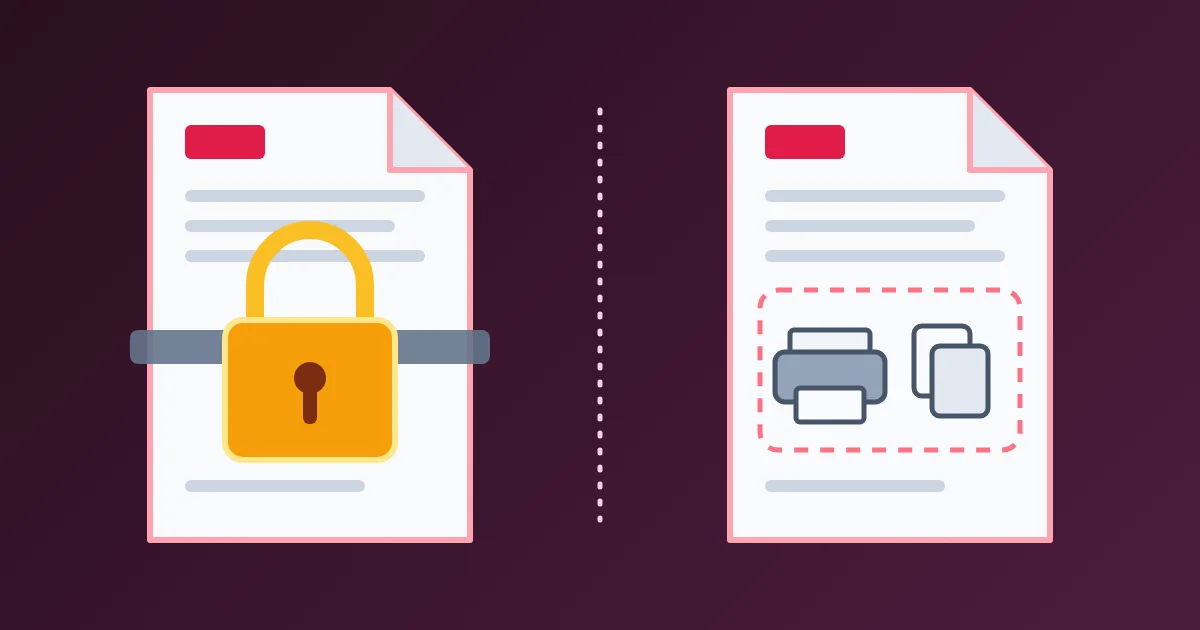
A PDF can carry two different passwords. The open password, also called the user password, encrypts the file: without it, a PDF reader cannot show a single page. The permissions password, also called the owner password, sets flags that ask readers not to print, copy or edit the document. Only the first one is protection. The PDF standard itself says that nothing in PDF encryption enforces the permissions.
This post explains how the two passwords work, why "restricted" PDFs can still be printed and copied, which kinds of PDF encryption you should and should not trust, and how to choose the right protection for a document. To try it on your own files, use the FindUtils Protect PDF and Unlock PDF tools.
The two PDF passwords at a glance
The open password decides who can read the file. The permissions password decides what a reader program lets them do after it is open. Adobe Acrobat calls them the Document Open password and the Permissions password; the PDF specification, ISO 32000, calls them the user password and the owner password.
| Open password (user password) | Permissions password (owner password) | |
|---|---|---|
| Asked for when | The file is opened | Someone tries to change the security settings |
| Without it | The file does not open | The file opens, with print, copy or edit limited |
| What it protects | The content, by encryption | Nothing technical; readers are asked to respect the flags |
| Who enforces it | Mathematics: the content cannot be decrypted | The PDF reader program, if it chooses to |
| Good for | Confidential documents | Signalling how a document should be used |
A file can have either one or both. When it has both, either password opens it. Only the owner password gives full access, including the right to change the passwords and permissions.
How PDF encryption works
When a PDF is encrypted, its content is scrambled with a random encryption key, and that key is stored in the file, locked by the passwords. The qpdf documentation puts it simply: "The passwords used to protect a PDF file, if any, are used to protect the encryption key." Either password can unlock the same key.
That design explains everything that follows. A file with an open password keeps the key locked until someone types a correct password, so no program can show the pages without one. A file with only a permissions password uses an empty open password, so every reader can unlock the key, decrypt the content and display it. The permissions are just flags stored next to the key.
Why print and copy restrictions are not security
Permissions are not enforced by encryption. Once a reader has decrypted the file, it has the full content and decides for itself whether to honour the flags. The PDF specification says so directly: "Once the document has been opened and decrypted successfully, a conforming reader technically has access to the entire contents of the document. There is nothing inherent in PDF encryption that enforces the document permissions specified in the encryption dictionary."
The standard asks conforming readers to "respect the intent of the document creator", and Adobe's own products do. Adobe's help also warns that if third-party products do not support these settings, recipients "can bypass some or all your restrictions". The qpdf manual is blunter: restrictions on a file without an open password "only restrict users who don't know how to circumvent them".
These are the flags a PDF can set, from table 22 of ISO 32000-1:
| Bit | Permission |
|---|---|
| 3 | Print (possibly at low quality, depending on bit 12) |
| 4 | Modify the contents (other than what bits 6, 9 and 11 control) |
| 5 | Copy or extract text and graphics |
| 6 | Add or change annotations and fill in form fields |
| 9 | Fill in existing form fields, even if bit 6 is off |
| 10 | Extract text and graphics for accessibility |
| 11 | Assemble the document: insert, rotate or delete pages, create bookmarks |
| 12 | Print at full quality |
Use them as a polite request, for example to stop a viewer from casually printing a draft. Never use them to keep content secret from someone who has the file.
Which PDF encryption is worth trusting
The open password is only as good as the encryption behind it, and PDF has used several kinds over the years. The two numbers you may see in a file's security details are the encryption version (V) and the revision of the security handler (R).
| Encryption | Introduced | Is it safe? |
|---|---|---|
| RC4, 40-bit key | Original PDF encryption | No. The qpdf manual notes the 5-byte key "can be easily brute-forced", whatever the password |
| RC4, 128-bit key | PDF 1.4 | No. RC4 is known to be insecure |
| AES, 128-bit key | PDF 1.6 | Better, but there is no reason to choose it over AES-256 |
| AES, 256-bit key (revision 6) | PDF 1.7 extension, standard in PDF 2.0 | Yes, with a strong password. The only revision PDF 2.0 does not deprecate |
The FindUtils Protect PDF tool always uses AES-256. We checked a file it produced: its encryption dictionary shows version 5, revision 6 and the AESV3 crypt filter, which is AES with a 256-bit key. On the tool page, the file and the password are processed in your browser and are not uploaded.
The password is the weak point
With AES-256, nobody breaks the cipher. They guess the password. Anyone who has a copy of the file can try passwords on their own computer, with no lockout after wrong attempts and no one watching. A short or common password falls quickly; a long one does not.
- Use a passphrase of several random words, or a long random password from the Password Generator.
- Check how guessable a candidate is with the Password Strength Checker.
- Send the password a different way from the file, for example by phone or a chat app, not in the same email.
- Do not reuse a password across documents. One leaked password then opens every file that uses it.
Keep in mind that a lost open password cannot be recovered. Keep an unprotected original somewhere safe.
How Protect PDF and Unlock PDF handle the two passwords
The FindUtils tools follow the standard closely, with a few choices worth knowing about.
Protect PDF asks for one password and lets you untick three permissions: printing, copying text and editing. With every permission allowed, the password you choose works as both the open and the owner password. If you untick one, the file gets a separate owner password that nobody is given, so a reader that respects the flags applies the limits to everyone who opens the file, you included. Keep your original if you may need an unrestricted copy. The page notes that PDF readers honour these flags but do not enforce them, which matches the standard. Protect PDF does not add a second password to a file that is already protected.
Unlock PDF removes a password only when you type it. If the file asks for a password to open, type that password and the page saves a copy with no encryption, which therefore also has no print, copy or edit limits. If the file opens without a password but has owner restrictions, the page shows which permissions are blocked and asks for the owner password before it lifts them. It never guesses, cracks or bypasses a password, and it supports files protected with AES-256, AES-128 or RC4, but not files protected with a certificate.
Which protection to use for which job
Pick the protection by what you are trying to prevent:
| Goal | Use |
|---|---|
| Only the recipient should be able to read it | An open password with AES-256, sent separately from the file |
| Mark a document as confidential or draft wherever it goes | A visible stamp with PDF Watermark |
| Remove hidden author names, software and dates before sharing | PDF Metadata Remover |
| Make sure some text can never be read | Redact it so the text is removed, not covered |
| Discourage casual printing or copying by people allowed to read it | Permissions, knowing they are a request |
An open password also has limits. Everyone you give it to can read, print and save the document, and can pass the password on. If a passage must never reach a reader, remove it before you share the file.
Key takeaways
- The open password encrypts the PDF; the permissions password only sets flags.
- The PDF standard says nothing in its encryption enforces print, copy or edit permissions.
- Trust AES-256 (revision 6) and avoid 40-bit and 128-bit RC4.
- With strong encryption, the password's length is what protects the file.
- Use a watermark to label a document, redaction to remove text, and an open password to keep it closed.
FAQ
What is the difference between a PDF user password and an owner password?
The user password, called the Document Open password in Acrobat, is needed to open the file and encrypts its content. The owner password, called the Permissions password, is needed to change the security settings and controls the print, copy and edit flags. Either one opens a file that has both.
Can someone print a PDF that has printing disabled?
Often, yes. Printing restrictions are flags that PDF readers are asked to respect. The PDF standard states that nothing in its encryption enforces them, and readers that ignore the flags can print or copy the content.
Is a password-protected PDF secure?
It is secure when it has an open password, uses AES-256 encryption and the password is long and not reused. Files using 40-bit or 128-bit RC4 encryption, or protected only by a permissions password, are not secure against a determined person.
Can I remove a password from a PDF if I know it?
Yes. Drop the file onto Unlock PDF, type the password, and download a copy that opens without it. On the tool page the file is decrypted in your browser. The tool cannot remove a password you do not know.
What encryption does Protect PDF use?
AES-256, using revision 6 of the PDF standard security handler, the method PDF 2.0 recommends. It is used for every protected file and is not a setting.
Does a PDF password protect the file name and email subject?
No. Encryption protects the content inside the file. The file name, the email subject and the message body you send it with stay readable, so do not put sensitive details there.
Related reading
- Why a PDF watermark is not a security control
- How to encrypt and decrypt text online
- How to generate secure passwords
- PDF Watermark guide
Need help with a project? The team behind FindUtils takes on freelance work, such as a fast REST API or back-end service built in Go for your documents and files.