An amortization calculator shows how each payment on a fixed-rate loan is split between interest and principal, and what balance is left after every payment. The FindUtils Amortization Calculator builds that schedule for any loan amount, interest rate and a term of 10, 15, 20, 25 or 30 years, adds an optional extra monthly payment, and lets you download the full schedule as a CSV file. It runs in your browser with no sign-up.
This guide walks through the inputs, explains each column of the schedule, and uses the tool's starting example, $250,000 at 6.5% for 30 years, to answer the questions people actually ask: why the balance barely moves at first, when principal overtakes interest, and what extra payments are worth.
The Default Loan at a Glance
The tool opens with a $250,000 loan at 6.5% for 30 years. These are its results, recomputed with the standard amortization formula on 22 October 2026:
| Figure | Value |
|---|---|
| Monthly payment | $1,580.17 |
| Number of payments | 360 |
| Total interest | $318,861.22 |
| Total amount paid | $568,861.22 |
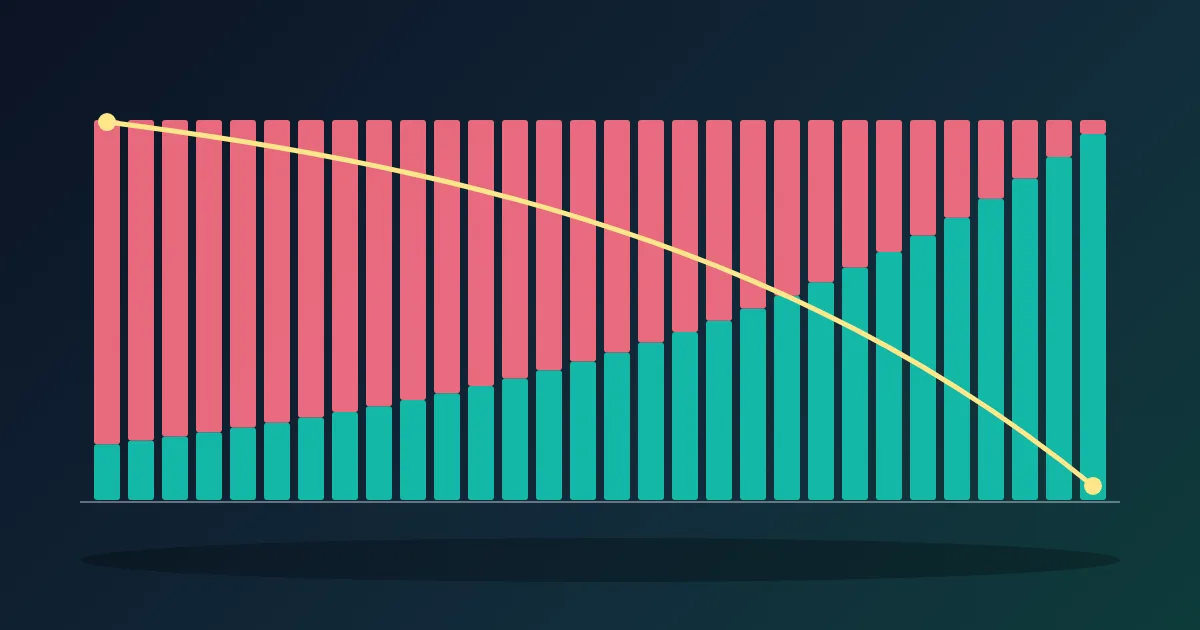
| Interest in payment 1 | $1,354.17 (85.7% of the payment) |
| Principal in payment 1 | $226.00 |
| First payment where principal is larger than interest | Payment 233 (year 20) |
| Payment where half the loan is repaid | Payment 257 (year 22) |
| Balance after 10 years (120 payments) | $211,940.32 |
Over the first 10 years you pay $189,620.40 in total, but only $38,059.68 of it reduces the balance. The rest, $151,560.72, is interest.
How to Use the Amortization Calculator
Step 1Enter the Loan Amount
Open the Amortization Calculator and type the amount you borrow into Loan Amount. For a mortgage, that is the price minus your down payment, not the price of the home.
Step 2Enter the Interest Rate
Type the yearly rate into Interest Rate, for example 6.5. Use the note rate from your loan offer, not the APR. The APR folds fees into a yearly figure and would overstate the interest in each payment. The tool divides the yearly rate by 12 to get the monthly rate, which is how standard fixed-rate mortgages and car loans charge interest.
Step 3Pick the Loan Term
Choose 10, 15, 20, 25 or 30 years with the buttons under Loan Term. The number of payments is the term times 12.
Step 4Add an Extra Monthly Payment (Optional)
Enter an amount in Extra Monthly Payment to see the effect of paying more than required every month. The extra goes straight to principal. A green panel then shows Interest Saved and Time Saved in years and months.
Step 5Set the First Payment Date
First Payment Date takes a month and year. It does not change any amount; it labels each row of the schedule with a month and sets the Loan paid off by date. It starts at the current month.
Step 6Read the Results and Download the Schedule
The results show Monthly Payment, the payoff month, Total Interest and Total Amount Paid, plus a bar that splits the total into principal and interest. Open View Amortization Schedule to see every payment, or press Download CSV to get the whole schedule as a spreadsheet file with a running total of interest. You can open that file in the CSV Viewer or any spreadsheet app.
How to Read the Schedule
Each row is one monthly payment:
| Column | What it means |
|---|---|
| # | The payment number, from 1 to the last payment |
| Date | The month of the payment, counted from your first payment date |
| Payment | What you pay that month: the regular payment plus any extra |
| Principal | The part that reduces what you owe |
| Interest | One month of interest on the balance before this payment |
| Extra | Your extra payment that month (shown only when you enter one) |
| Balance | What you still owe after this payment |
The first three rows of the default loan show the pattern:
| # | Payment | Principal | Interest | Balance |
|---|---|---|---|---|
| 1 | $1,580.17 | $226.00 | $1,354.17 | $249,774.00 |
| 2 | $1,580.17 | $227.23 | $1,352.94 | $249,546.77 |
| 3 | $1,580.17 | $228.46 | $1,351.71 | $249,318.31 |
You can check any row by hand. Interest for the month is the previous balance times the monthly rate: $250,000 × 0.065 ÷ 12 = $1,354.17. The principal is whatever is left of the fixed payment: $1,580.17 − $1,354.17 = $226.00. The new balance is the old one minus that principal. Because the balance drops a little each month, next month's interest is a little lower and the principal a little higher.
The Formula Behind the Monthly Payment
A fixed-rate loan uses the standard annuity formula:
M = P × r ÷ (1 − (1 + r)^−n)
where P is the loan amount, r the monthly rate (yearly rate ÷ 12) and n the number of monthly payments. For the default loan, r = 0.065 ÷ 12 ≈ 0.0054167 and n = 360, which gives M = $1,580.17. The payment stays the same for the whole term; only the split between interest and principal changes.
What Extra Payments Actually Save
Every dollar of extra principal stops being charged interest for the rest of the loan, so small amounts add up. On the default loan:
| Extra per month | Payments needed | Time saved | Total interest | Interest saved |
|---|---|---|---|---|
| $0 | 360 | — | $318,861.22 | — |
| $100 | 304 | 4 years 8 months | $260,001.34 | $58,859.88 |
| $131.68 (one extra payment a year, spread monthly) | 290 | 5 years 10 months | $246,147.65 | $72,713.57 |
| $200 | 265 | 7 years 11 months | $221,243.10 | $97,618.12 |
When the balance gets small, the last payment shrinks to whatever is left: with $100 extra, payment 304 is only $909.81.
The effect of "one extra payment a year" depends on the rate. For a $250,000, 30-year loan it cuts about 4 years 1 month at 4%, 5 years 10 months at 6.5% and 7 years 1 month at 8%. The higher the rate, the more each extra dollar saves.
Before you pay extra, check your loan for a prepayment penalty. The US Consumer Financial Protection Bureau notes that such penalties usually apply when you repay the whole balance within the first few years, not to small extra principal payments, but it advises confirming with your lender.
Comparing Loan Terms
Shorter terms raise the monthly payment but cut total interest sharply. Same $250,000 at 6.5%:
| Term | Monthly payment | Total interest |
|---|---|---|
| 15 years | $2,177.77 | $141,998.31 |
| 20 years | $1,863.93 | $197,343.88 |
| 30 years | $1,580.17 | $318,861.22 |
Run each term in the calculator and compare the Total Interest cards. If the 15-year payment is too high, a 30-year loan with a fixed extra payment gets part of the way there while keeping the lower required payment as a safety net. In real offers, shorter terms often come with a lower rate too, so enter the rate you were actually quoted for each term.
Common Tasks
Check a lender's schedule. Enter the amount, note rate and term from your loan estimate and compare the monthly principal-and-interest figure. Real statements can differ by a few cents because lenders round each payment to the cent. Escrow for taxes and insurance is not part of amortization and is not included.
See how much of the loan you have repaid. Set the first payment date to the month your loan started and open the schedule at today's row. The Balance column shows roughly what you owe now.
Decide whether to refinance. Note the balance at the current month, then run a new schedule with that balance, the new rate and the new term. The Refinance Calculator adds closing costs and the break-even month.
Plan the whole mortgage payment. The Mortgage Calculator adds property tax, insurance and other monthly costs on top of principal and interest.
Common Mistakes to Avoid
Mistake 1: Entering the APR Instead of the Note Rate
APR includes fees spread over the loan, so it is higher than the rate used to charge interest. Use the note rate to match your lender's schedule, and use APR only to compare offers.
Mistake 2: Expecting the Balance to Fall Evenly
After one third of a 30-year term, the default loan's balance is still about 85% of the original ($211,940.32 of $250,000). That is normal for amortized loans: interest is charged on what you owe, and what you owe is highest at the start.
Mistake 3: Confusing Amortization With Negative Amortization
In a normal schedule the balance goes down with every payment. With negative amortization the payment does not cover the interest, the unpaid interest is added to the balance, and you owe more over time. The CFPB describes this as a risk to avoid. The calculator models standard, fully amortizing loans only.
Mistake 4: Using It for Loans With a Different Structure
The tool assumes a fixed rate, monthly payments and a term of 10 to 30 years. For a car loan of 3 to 7 years, use the Auto Loan Calculator or the Loan Calculator. For several debts at once, use the Debt Payoff Calculator. Adjustable-rate loans change their schedule whenever the rate resets.
Mistake 5: Leaving the Rate at 0
The calculator needs an interest rate above 0. For an interest-free loan, the schedule is simple: divide the amount by the number of payments.
FAQ
What is an amortization schedule?
It is a table of every payment on a loan, showing how much of each payment goes to interest, how much goes to principal and the balance left afterwards. The FindUtils Amortization Calculator builds one for any fixed-rate loan from 10 to 30 years.
Why is most of my early payment interest?
Interest is charged on the balance you still owe, and the balance is highest at the start. On $250,000 at 6.5%, the first month's interest is $1,354.17 of a $1,580.17 payment. As the balance falls, interest falls and principal grows.
When does principal become larger than interest?
It depends on the rate and term. On a $250,000, 30-year loan at 6.5%, principal first exceeds interest at payment 233, in year 20. Open the schedule in the calculator and look for the row where the Principal column passes the Interest column.
How much does paying $100 extra a month save?
On a $250,000, 30-year loan at 6.5%, an extra $100 a month saves $58,859.88 in interest and pays the loan off 4 years 8 months early. Enter your own numbers in Extra Monthly Payment to see your result.
Does the calculator include taxes and insurance?
No. It covers principal and interest only. Property tax, home insurance and mortgage insurance are separate costs; the Mortgage Calculator can add them.
Can I export the amortization schedule?
Yes. Press Download CSV to get every payment with its date, payment, principal, interest, extra payment, balance and running total of interest.