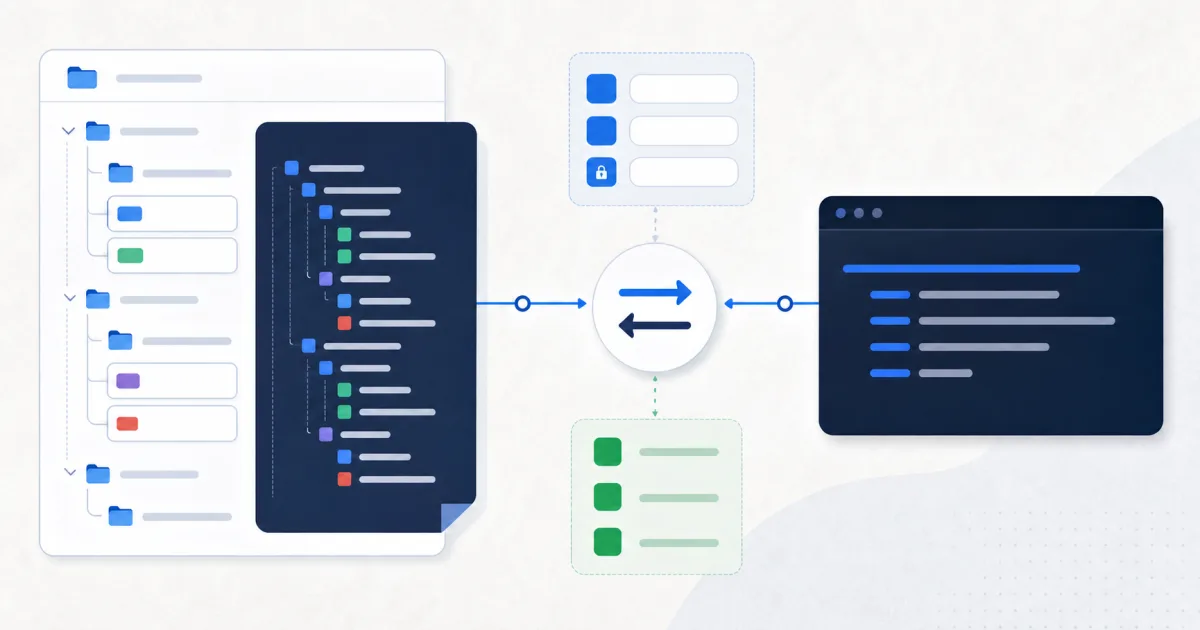
A cURL command is a compact, portable description of an HTTP request. Converting a tested Postman request to cURL helps you reproduce it in a terminal, a bug report, documentation, or a shell-based workflow.
The FindUtils Postman to cURL Converter reads Postman JSON and generates commands for nested collection requests or a single request. It supports common methods, headers, Bearer and Basic authentication, raw bodies, URL-encoded fields, and multipart form data.
Before You Export: Remove Secrets
A Postman collection can contain API keys, tokens, passwords, cookies, personal data, and private hostnames. Treat the export as sensitive data.
Before conversion:
- Replace live tokens with clear placeholders.
- Remove cookies and temporary session headers.
- Remove client secrets and passwords.
- Check example request bodies for personal data.
- Review private hostnames before sharing the output.
Use placeholders such as $API_TOKEN, YOUR_API_KEY, or https://api.example.com. Do not paste a secret into a public issue, documentation page, chat, or command history.
How to Export a Postman Collection
Postman's current export workflow creates a JSON file:
- Open Collections in the Postman sidebar.
- Open the collection actions menu.
- Select More, then Export collection.
- Select Export JSON.
Postman also supports environment and bulk data exports. The request converter needs the collection or request JSON, not a full account dump.
How to Convert Postman JSON to cURL
1. Open the Converter
Go to the Postman to cURL Converter.
2. Paste or Upload JSON
Paste the collection JSON or upload the exported file. The converter walks nested collection folders and finds each request.
3. Choose the Output Style
Keep headers enabled when the server needs content negotiation, authentication, or a body content type. Disable headers only when you deliberately want a minimal request.
Enable long-form flags for documentation. --header, --request, and --form are easier for a new reader than -H, -X, and -F.
4. Convert and Review
The tool produces one command for each request. Read every command before you run it.
Check these parts:
- The HTTP method.
- The complete URL and query string.
- Required request headers.
- Authentication values.
- Body encoding.
- File placeholders.
5. Copy One Command at a Time
Run a command first against a safe development or test endpoint. Add diagnostic cURL flags only when needed.
curl --verbose 'https://api.example.com/users'
--verbose can expose headers and connection details. Remove secrets before you copy its output.
What the Converter Supports
| Postman data | cURL output |
|---|---|
| GET and other HTTP methods | URL plus --request when needed |
| Request headers | --header or -H |
| Bearer authentication | Authorization: Bearer … header |
| Basic authentication | --user or -u |
| Raw request body | --data or -d |
| URL-encoded fields | --data-urlencode |
| Multipart text fields | --form or -F |
| Multipart files | field=@path placeholder |
| Nested collection folders | One command per request |
What Needs Manual Work
Postman is more than a request file. It can resolve variables, inherit authentication, run scripts, generate dynamic values, and execute collection logic. A static converter cannot reproduce all of that behavior.
Review these cases manually:
{{variable}}values from environments, collections, or globals.- Authentication inherited from a parent collection or folder.
- Pre-request scripts and test scripts.
- Dynamic variables and generated signatures.
- OAuth refresh flows.
- Client certificates and proxy settings.
- Files referenced through a local Postman working directory.
Replace unresolved variables before running the command. If a signature depends on a script, create the signature in your target workflow instead of copying a stale value.
Example Conversion
Postman request data:
{
  "method": "POST",
  "url": "https://api.example.com/users",
  "header": [
    { "key": "Content-Type", "value": "application/json" },
    { "key": "Authorization", "value": "Bearer $API_TOKEN" }
  ],
  "body": {
    "mode": "raw",
    "raw": "{\"name\":\"Ada\"}"
  }
}
Readable cURL output:
curl --request POST 'https://api.example.com/users' \
  --header 'Content-Type: application/json' \
  --header 'Authorization: Bearer $API_TOKEN' \
  --data '{"name":"Ada"}'
Verification Checklist
Before you publish or automate a generated command:
- Replace or remove all secrets.
- Confirm the target environment.
- Confirm the HTTP method.
- Confirm body encoding and content type.
- Confirm variable substitution.
- Confirm file paths exist on the target system.
- Run against a safe endpoint.
- Check the response status and body.
- Add failure handling in automation.
For a script, consider --fail-with-body, --show-error, and a suitable timeout. Read the cURL manual before you add retry behavior to a non-idempotent request.
FAQ
Can the converter run the collection?
No. It generates cURL commands. It does not run Postman scripts, tests, collection order, or environment logic.
Does it resolve Postman variables?
No. Replace {{name}} placeholders with safe values or shell variables before use.
Can it convert every request in nested folders?
Yes. It walks nested item arrays and generates a command for each request it finds.
Should I put a real token in the generated command?
Avoid it. Use an environment variable or a secure secret store. Shell history and logs can retain literal tokens.
Sources and Further Reading
Next Step
Export a sanitized collection and open the Postman to cURL Converter. Review each generated command before you run it.