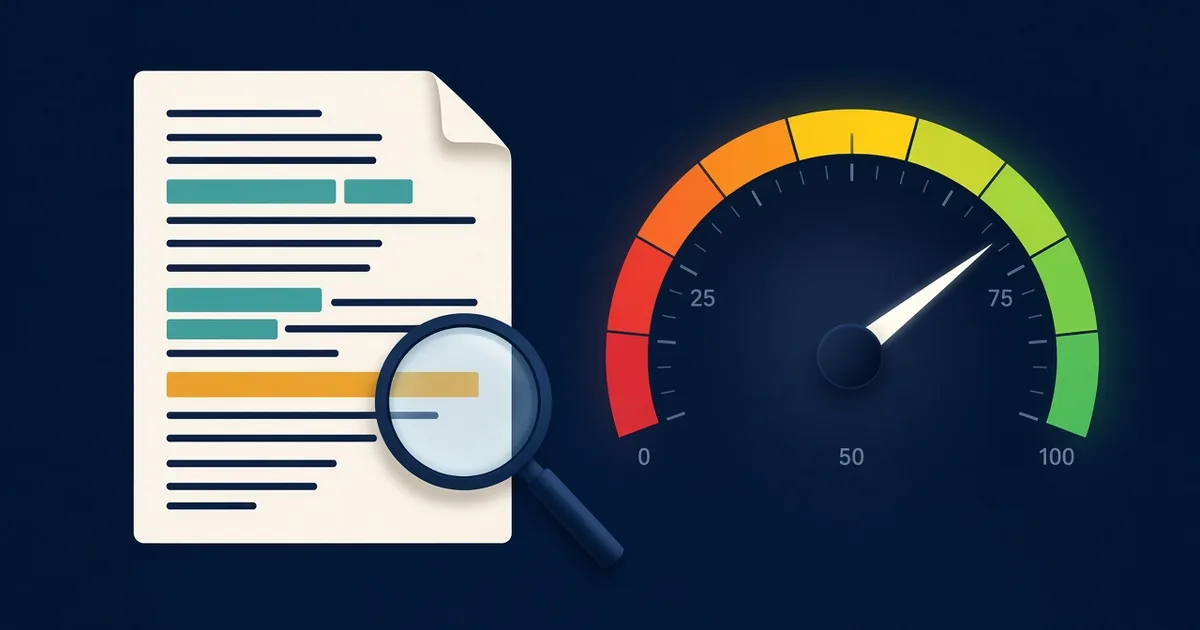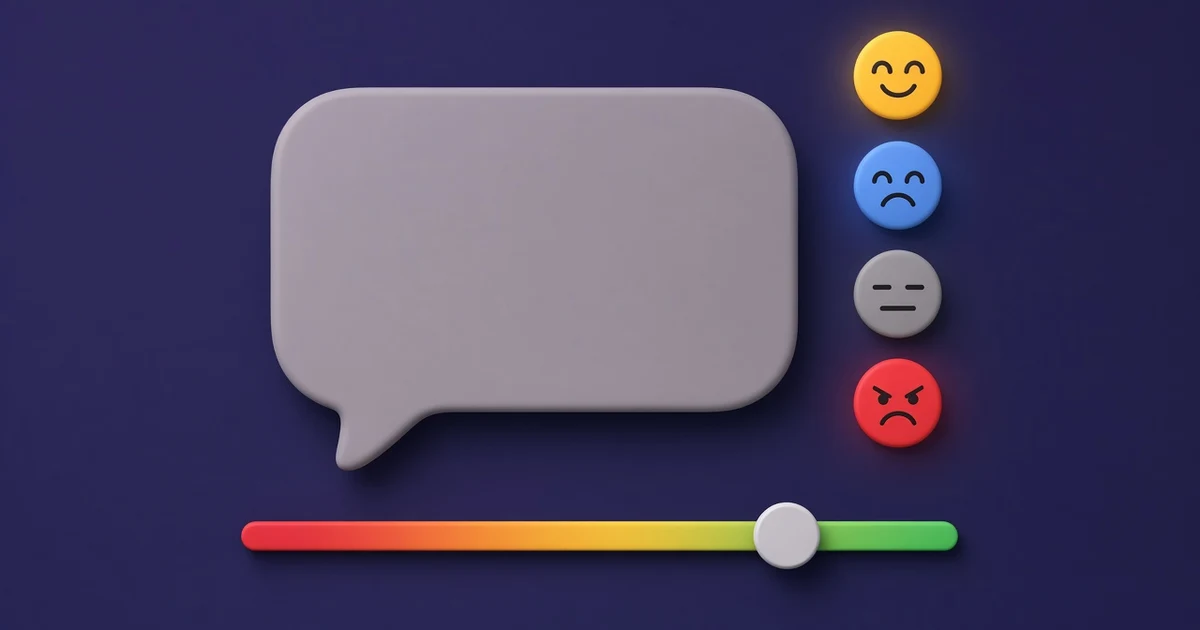
A tone analyzer reads a piece of writing and reports how it is likely to come across: happy or upset, confident or unsure, formal or casual. The FindUtils Tone Analyzer does this with an English keyword list and simple rules, not a machine-learning model. Paste "Unfortunately the shipment is late and we are disappointed with the delay." and it returns a dominant tone of Sadness, an overall sentiment of Negative and a Balanced writing style. It is free, needs no account, and the text you paste on the page is analyzed in your browser.
This guide covers each result with examples tested on the live tool, how the percentages are worked out, and where a keyword check needs a second look from you.
How Do You Check the Tone of a Text?
- Open the tool at findutils.com/text/tone-analyzer/.
- Paste or type your text in the Enter Your Text box. It needs at least five words; with fewer, the results panel keeps asking for text.
- Read the Analysis Summary: Dominant Tone, Overall Sentiment and Writing Style.
- Check Detected Tones below it: every tone the tool found, with a percentage.
- Edit and watch the results change. The analysis updates as you type, so you can swap a word and see the effect at once.
Under the box, the tool also counts words, sentences and characters, which helps when an email or a post has a length limit.
What Do the Results Mean?
| Result | What it shows | Possible values |
|---|---|---|
| Dominant Tone | The tone with the most matching words | Joy, Sadness, Anger, Fear, Confidence, Analytical, Tentative, Polite, or Neutral when no tone word is found |
| Overall Sentiment | Positive-leaning words compared with negative-leaning ones | Positive, Negative, Neutral |
| Writing Style | Formal words compared with casual ones | Formal, Casual, Balanced |
| Detected Tones | Every tone found, as a percentage of the strongest one | 1% to 100% |
The eight tones fall into three groups. Joy, Confidence and Polite push the sentiment towards positive. Sadness, Anger and Fear push it towards negative. Analytical and Tentative describe the style of reasoning and do not move the sentiment.
How Are the Tone Percentages Calculated?
The tool counts the words in your text that belong to each tone's word list. The tone with the most matches is set to 100%, and every other tone is shown as a share of it. That makes the percentages relative, not absolute: 100% means "the strongest signal in this text", not "this text is 100% angry".
An example from the live tool: "Please let me know if you could review the attached report. Thank you, I appreciate it." returns Polite 100%, Confidence 25%, Analytical 25% and Tentative 25%. Four words count as polite (please, could, thank, appreciate) and one word each counts for the other three (know, review, could), so they show as a quarter of the polite score. The word "could" counts as both polite and tentative, which is fair: "could you" is a softer request than "review this".
Tested Examples
Results from the live tool:
| Text | Dominant tone | Sentiment | Writing style |
|---|---|---|---|
| "I am so happy with the new design and I love the colors." | Joy | Positive | Balanced |
| "I am furious and frustrated. This is unacceptable and I hate waiting." | Anger | Negative | Balanced |
| "I am worried and anxious about the deadline, and stressed about the review." | Fear (Analytical 33%) | Negative | Balanced |
| "We analyzed the data and the results show a clear trend, therefore we recommend the change." | Analytical | Neutral | Balanced |
| "Maybe we could perhaps try another approach, it might possibly work." | Tentative (Polite 20%) | Positive | Balanced |
| "hey this is cool stuff lol gonna try it btw" | Neutral | Neutral | Casual |
| "Furthermore, pursuant to the agreement, the parties shall respectfully review the terms; therefore the board will assess the findings accordingly." | Analytical (Polite 25%) | Positive | Formal |
| "The package arrived on Tuesday and was placed on the table." | Neutral | Neutral | Balanced |
The casual example has no tone words at all, so the dominant tone is Neutral, but words like "hey", "cool", "lol", "gonna" and "btw" still set the writing style to Casual. The style only changes from Balanced when one side clearly outweighs the other, so a single "regarding" in a friendly note will not make it Formal.
What Can a Keyword Tone Check Miss?
The method note under the input box says it plainly: scores show which tone words appear most, and you should read them as signals, not verdicts. Four cases are worth knowing:
- Negation. "I am not happy with the new design and I do not love the colors." returns Joy and Positive, the same as the happy version, because "happy" and "love" are still in the text. If you write "not" or "never" before a feeling word, read that sentence yourself.
- Sarcasm. "Oh great, another meeting that could have been an email." is read as Joy, Tentative and Polite. No word list can tell that "great" is meant the other way.
- Words outside the lists. "This is not bad at all, honestly it works well for our team." comes out Neutral, because "bad", "well" and "works" are not tone words in the tool.
- Word parts. Matching is done on parts of words, so "thanks" and "thankful" both count as polite. The same rule can pick up words you did not mean: in "Thank you so much, I am thrilled and grateful. This is wonderful news." the word "wonderful" also adds a small Tentative score, because it contains "wonder".
None of this makes the result useless. In normal business writing, a reply full of "unfortunately", "regret" and "disappointed" really does read as sad, and a draft with "maybe", "perhaps" and "might" in every line really does sound unsure. The why "not happy" can still read as joy post goes deeper into how keyword and rule-based sentiment tools work.
Practical Ways to Use It
- Before sending a hard email. Paste the draft and look for Anger or Fear you did not intend. Swapping "unacceptable" for "not what we agreed" changes the result and usually the reader's reaction too.
- Hedging check. If Tentative is your dominant tone in a proposal or a status update, cut a few "maybe" and "might" words and the text will sound more decided.
- Support replies. A short Polite signal (please, thank you, appreciate) next to an unavoidable Sadness signal (unfortunately, sorry) is often exactly the mix you want when giving bad news.
- Formal documents. Grant applications and policies should show a Formal or Balanced style, never Casual.
For a second view of the same draft, the Readability Calculator shows how hard it is to read, the Word Counter checks the length, and the Text Summarizer shortens a long message before you send it.
Frequently Asked Questions
Does the Tone Analyzer use AI?
No. It uses an English keyword list and simple sentence rules, not a machine-learning model. That keeps it fast and private, but it cannot understand context the way a person or a trained model can.
Is my text sent anywhere?
On the tool page, the analysis runs in your browser and the text stays on your device.
Why does my text show Neutral?
None of the words matched a tone list. Plain factual sentences, such as "The package arrived on Tuesday", usually come out Neutral, which is often what you want.
What does 100% mean in Detected Tones?
It marks the strongest tone in your text. The other tones are shown as a share of it, so the numbers compare tones with each other and do not add up to 100.
Does it work in other languages?
The word lists are English, so text in other languages will mostly come out Neutral.