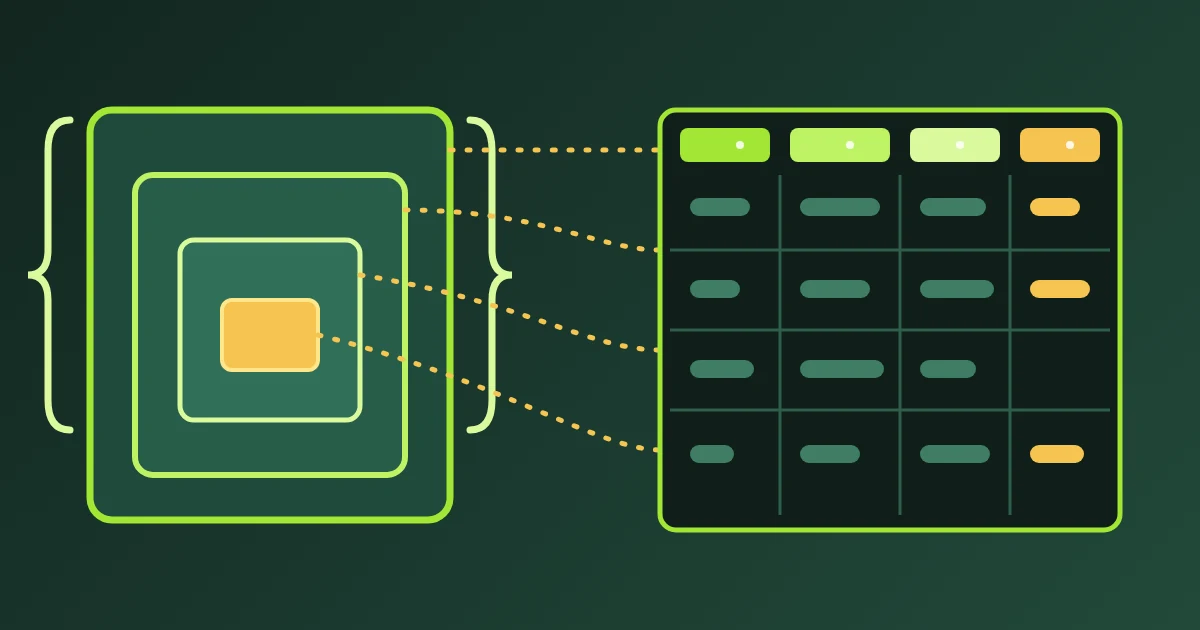
Convert a CSV to VCF when a contact list lives in a spreadsheet and has to end up on a phone or in an address book. FindUtils CSV to VCF reads the CSV in your browser, matches its columns to vCard fields, and writes one .vcf file holding a card for every contact. The tool does not upload or store the file.
This guide explains why phones want vCard, how to prepare the sheet, which column becomes which field, when to pick vCard 4.0 over 3.0, and how to import the result.
Why Does a Phone Need VCF Instead of CSV?
A phone's contacts app imports vCard, the standard contact format defined for version 3.0 in RFC 2426 and for version 4.0 in RFC 6350. A CSV has no agreed column names, so iPhone Contacts has no way to know that a column called "Mobile" is a phone number. A .vcf file names every value: TEL is a phone, EMAIL is an email, N is the structured name.
That leaves a gap in a common workflow:
- Cleaning: a spreadsheet is the easiest place to fix names, remove duplicates and fill in missing numbers.
- Collecting: event sign-ups, CRM exports and team directories usually arrive as CSV.
- Importing: the phone, iCloud and the Android contacts app want vCard.
Typing each row into the Contacts app closes the gap slowly. A .vcf can hold any number of cards one after another, so one converted file imports the whole list at once.
How to Prepare the Spreadsheet
Put one contact on each row and a header in the first row. The header names matter more than their order, because columns are matched by name after ignoring case, spaces and punctuation.
| Do | Why |
|---|---|
| Use First Name and Last Name columns | They fill the structured N property phones sort by, and the display name is built from them |
| Keep phones in international format, such as +44 20 7946 0000 | The number is written exactly as typed |
| Split Mobile, Work Phone and Home Phone into separate columns | Each becomes its own TEL line with the matching type |
| Save from Excel as CSV UTF-8 | Plain CSV from Excel can damage accented names before the converter ever sees them |
How to Convert the File
Open FindUtils CSV to VCF, upload the .csv or paste its text, and check the detected columns under the output. Choose Adjust columns to point a field at a different header. Keep vCard 3.0 unless the destination asks for 4.0, then download contacts.vcf.
A row with no name, no email and no phone is skipped and listed by row number, so a totals row or a stray note in the sheet never becomes an empty contact.
Which Columns Become Which vCard Fields?
Each column is matched to a field by its name. The table lists the field, some of the header names that match it, and the vCard property it writes.
| Field | Matching headers include | vCard property |
|---|---|---|
| Full name | Name, Full Name, Display Name | FN |
| First name, last name | First Name, Given Name, Last Name, Surname | N (and FN when there is no full name) |
| Email, E-mail Address, E-mail 1 - Value | EMAIL, the first marked preferred | |
| Mobile phone | Phone, Mobile, Mobile Phone, Cell | TEL;TYPE=CELL |
| Work phone | Work Phone, Business Phone | TEL;TYPE=WORK |
| Home phone | Home Phone | TEL;TYPE=HOME |
| Company | Company, Organization, Organization 1 - Name | ORG |
| Job title | Job Title, Title, Organization 1 - Title | TITLE |
| Address | Street, City, State, ZIP, Country | ADR;TYPE=HOME |
| Website, note | Website, Web Page, Notes | URL, NOTE |
| Birthday | Birthday, Date of Birth | BDAY, when the value is YYYY-MM-DD or --MM-DD |
When a sheet has both Title and Job Title, Job Title wins, because Outlook's Title column holds an honorific such as Mr.
When a row has no name at all, the display name falls back to the company, then the email, then the phone, so the card still shows something readable.
vCard 3.0 or 4.0?
Choose vCard 3.0 unless the destination explicitly asks for 4.0. Both versions carry the same fields; they differ in how a few lines are written.
| Line | vCard 3.0 | vCard 4.0 |
|---|---|---|
| First email | EMAIL;TYPE=INTERNET,PREF:[email protected] | EMAIL;PREF=1:[email protected] |
| Mobile phone | TEL;TYPE=CELL:+1 555 0100 | TEL;TYPE=cell;VALUE=uri:tel:+15550100 |
| Birthday | BDAY:1985-04-12 | BDAY:19850412 |
Version 3.0 is the one iPhone Contacts, Android and Google Contacts import most reliably. Version 4.0 writes phone numbers as tel: URIs, which some older importers ignore.
How to Import the .vcf
| Destination | Steps |
|---|---|
| iPhone | Tap the .vcf attachment in Mail or Messages and follow the prompt to add the contacts |
| iCloud.com | Open Contacts on iCloud.com and import the vCard; each card in the file becomes its own contact |
| Google Contacts | On contacts.google.com choose Import, select the file, then Import |
| Android | In the Google Contacts app, tap Organize, then Import from file, and choose the .vcf |
What Is Escaped, Folded and Left Out
vCard reserves a few characters, and the converter handles them so an import does not break:
- Escaping: a comma, a semicolon or a backslash inside a value is escaped, so a company called Roe, Smith and Co stays one company instead of splitting into parts.
- Line breaks: a note with several lines keeps them, written as the escaped newline the standard uses.
- Folding: long lines are folded at 75 octets, and each continuation starts with one space, which importers join back together.
- Left out: photos are never written. A CSV has no reliable way to carry an image, and a card without a photo imports everywhere.
Round Trip With VCF to CSV
FindUtils VCF to CSV is the reverse page. It writes columns named full_name, given_name, family_name, organization, title, email, emails, phone, phones, address, url, note, birthday and uid, and CSV to VCF recognises every one of them. That makes a clean-up loop possible:
- Export the address book as
.vcfand convert it with VCF to CSV. - Fix names, remove duplicates and fill gaps in the spreadsheet.
- Convert the edited CSV back with CSV to VCF and import the result.
The phones and emails columns carry every number and address with its type, so a contact with a work and a mobile number keeps both.
Practical Examples
A two-person team list. This CSV:
First Name,Last Name,Email,Mobile,Company
Jane,Doe,[email protected],+1 555 0100,Acme Inc.
becomes this card in vCard 3.0:
BEGIN:VCARD
VERSION:3.0
N:Doe;Jane;;;
FN:Jane Doe
ORG:Acme Inc.
EMAIL;TYPE=INTERNET,PREF:[email protected]
TEL;TYPE=CELL:+1 555 0100
END:VCARD
A semicolon-separated export. Spreadsheets set to many European locales save CSV with semicolons. The separator is detected from the header row, so Name;Email;Phone converts without any setting.
An email-only list. A column of addresses with no names still converts: each card uses the email as its display name.
Common Mistakes
Saving from Excel as plain CSV. Accented and non-Latin names can be damaged before conversion. Use CSV UTF-8.
One Name column for everything. It works, but the structured name stays empty, so some phones sort the contact under the wrong letter. Split first and last names when you can.
Typing phone numbers without a country code. The number is written as typed. A local number that works at home may not dial from abroad.
Expecting the file to sync. A .vcf is a file. Importing it adds contacts once; it does not keep a spreadsheet and a phone in step.
Tools Used in This Guide
| Tool | Use |
|---|---|
| CSV to VCF | Convert a contacts spreadsheet into one multi-card .vcf |
| VCF to CSV | Turn a .vcf export back into a spreadsheet |
| vCard Generator | Build a single contact card by hand |
FAQ
How many contacts can one .vcf file hold?
A .vcf file can hold any number of cards one after another. CSV to VCF writes one card per row and accepts a CSV up to 10 MB in the browser, which covers a very large contact list.
Why was a row skipped?
A row is skipped when it has no name, no email and no phone number, because a card with none of them is empty on a phone. The skipped rows are listed by row number under the output, and blank rows are counted separately.
Does CSV to VCF keep accented names?
Yes. The .vcf is written as UTF-8, so names such as Ayşe Yılmaz come through unchanged. Save the spreadsheet as CSV UTF-8 so the names are intact before conversion.
Is the contact list uploaded?
No. The CSV is read and the .vcf is written inside the browser tab, and no request carries the file.
Next Steps
Convert a list with CSV to VCF. To clean an existing address book first, export it and run it through VCF to CSV, edit the sheet, and convert it back.