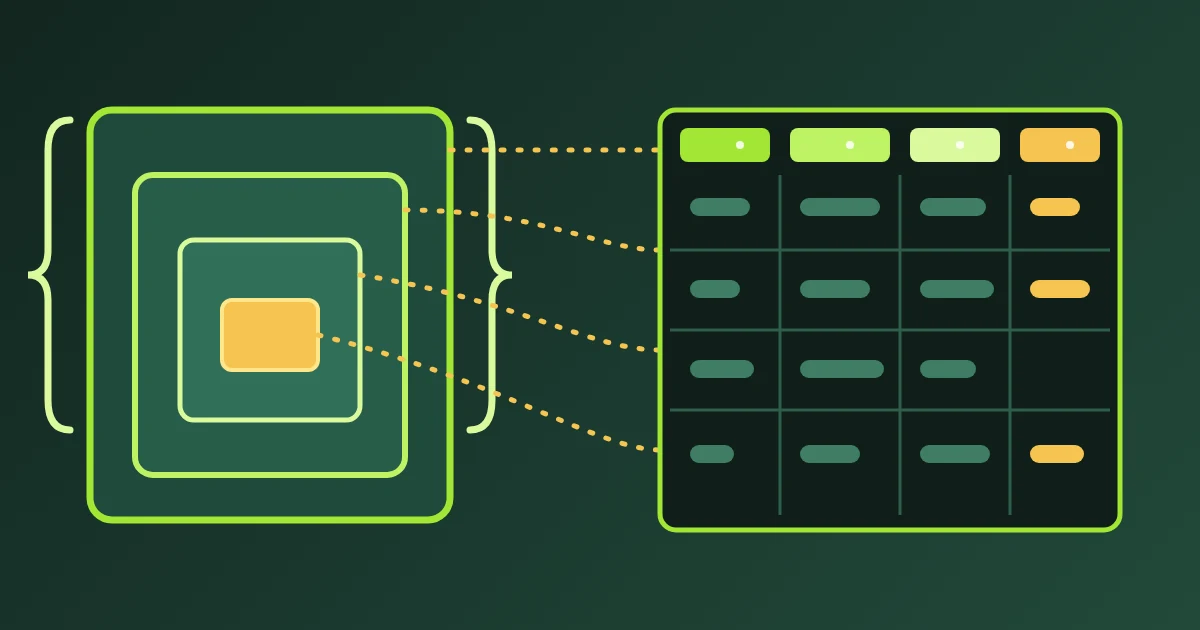
Convert an ICS file to JSON when code has to read the calendar: a script that counts meetings, a fixture for a test suite, a dashboard that charts a schedule. FindUtils ICS to JSON reads the iCalendar export from Google Calendar, Apple Calendar or Outlook in your browser and returns one object per event, with the same keys on every object. The calendar file never leaves the tab.
This guide explains why an .ics file resists a quick parser, which keys each event object carries, how dates and zones are written, what happens to recurring events, to-dos and journal entries, and how to run the same conversion from a script.
Why does a naive ICS parser break?
An .ics file looks like a list of KEY:value lines and is not one. Three rules in the format defeat a parser built from split('\n') and split(':'), and each of them appears in ordinary exports from mainstream calendar apps.
Folding. RFC 5545 caps a content line at 75 octets. A longer description is stored across several lines, and every continuation begins with a single space or tab. Read them as separate lines and one description becomes five broken fragments.
Escapes. Commas, semicolons, newlines and backslashes inside a text value are written with a leading backslash, so a description that spans paragraphs arrives as literal \n sequences. A parameter value may also be quoted, which is how CN="Doe, Jane" keeps a comma that would otherwise end the parameter.
Three ways to state a time. A start can be floating, with no zone at all; it can end in Z, meaning UTC; or it can carry a TZID parameter naming a zone. A date-only value marked VALUE=DATE is a fourth shape with no time part. Treating all of them as one string format gives wrong answers that look right.
The parser behind this page, shared with ICS to CSV and CSV to ICS, unfolds the lines, decodes the escapes, and reads the TZID and VALUE=DATE parameters before any field is handed to you.
How do you convert an ICS file to JSON?
Export the calendar, load the file, check the counts, download the JSON. The conversion starts as soon as the text arrives, so there is no button to press between steps.
- Export the calendar. In Google Calendar, open Settings, then Import & export, then Export; you get a zip holding one .ics per calendar. Apple Calendar exports from File > Export. Outlook desktop writes an .ics from File > Save Calendar.
- Open ICS to JSON and upload the .ics file, or paste its text into the input panel.
- Read the counts under the output: events returned, how many carry a recurrence rule, how many components were skipped, and the calendar name.
- Turn on "Include to-dos and journal entries" if the export holds
VTODOorVJOURNALcomponents and you want them in the array. - Download or copy the JSON. Pretty print is on by default; turn it off for the compact form. The download is named after the uploaded file's stem, falling back to the calendar name, then to
calendar.json.
Which keys does each event object have?
Every object carries exactly twenty-one keys, in this order. A value the component does not state is an empty string, an empty array or 0, never a missing key, so a script can read any field without guarding it first.
| Key | Type | Meaning |
|---|---|---|
type | string | VEVENT, VTODO or VJOURNAL |
uid | string | The component's unique id |
summary | string | The title |
description | string | The description, unfolded and unescaped |
location | string | The location text |
start | string | Wall-clock ISO-8601 start, exactly as stated |
end | string | The exclusive iCalendar end |
all_day | boolean | True when the start is a date with no time |
timezone | string | The TZID, UTC for a Z stamp, empty for floating time |
status | string | CONFIRMED, TENTATIVE or CANCELLED, upper-cased |
url | string | The URL property, trimmed |
organizer | string | Name <address> |
attendees | array of strings | One Name <address> per ATTENDEE |
categories | array of strings | The CATEGORIES values |
rrule | string | The recurrence rule as text, never expanded |
exdate | array of strings | Exception dates, each in the same ISO form |
recurrence_id | string | The occurrence this component replaces |
created | string | The CREATED stamp |
last_modified | string | The LAST-MODIFIED stamp |
sequence | number | The SEQUENCE revision number |
alarms | number | How many VALARM blocks are nested in the component |
What does the output look like?
The page returns an object with a calendar block and an events array. Here is a two-event result: a weekly meeting stated in a named zone with one exception date, and an all-day offsite.
{
  "calendar": {
    "name": "Client work",
    "prodid": "-//Example Corp//Calendar 1.0//EN",
    "method": "PUBLISH",
    "timezone": "Europe/Istanbul",
    "timezones": ["Europe/Istanbul"]
  },
  "events": [
    {
      "type": "VEVENT",
      "uid": "[email protected]",
      "summary": "Weekly review",
      "description": "Agenda in the shared doc.\nBring the sprint notes.",
      "location": "Meeting room 2",
      "start": "2026-09-01T09:30:00",
      "end": "2026-09-01T10:15:00",
      "all_day": false,
      "timezone": "Europe/Istanbul",
      "status": "CONFIRMED",
      "url": "",
      "organizer": "Project Lead <[email protected]>",
      "attendees": ["Designer <[email protected]>"],
      "categories": ["Internal"],
      "rrule": "FREQ=WEEKLY;BYDAY=TU",
      "exdate": ["2026-09-15T09:30:00"],
      "recurrence_id": "",
      "created": "2026-08-20T11:04:12Z",
      "last_modified": "2026-08-28T07:41:00Z",
      "sequence": 2,
      "alarms": 1
    },
    {
      "type": "VEVENT",
      "uid": "[email protected]",
      "summary": "Team offsite",
      "description": "",
      "location": "",
      "start": "2026-09-05",
      "end": "2026-09-07",
      "all_day": true,
      "timezone": "",
      "status": "",
      "url": "",
      "organizer": "",
      "attendees": [],
      "categories": [],
      "rrule": "",
      "exdate": [],
      "recurrence_id": "",
      "created": "",
      "last_modified": "",
      "sequence": 0,
      "alarms": 0
    }
  ]
}
How are dates and times written?
Each date-time is written in wall-clock ISO-8601 form exactly as the file states it, and the zone travels in its own field. An all-day value is YYYY-MM-DD; a timed value is YYYY-MM-DDTHH:MM:SS, with a trailing Z when the file stated UTC. The timezone field names the zone the start was stated in: a TZID such as Europe/Istanbul, the literal UTC for a Z stamp, or an empty string for floating time.
No value is converted between zones. A conversion needs the zone rules of the reader's calendar, and a silent guess would be wrong with nothing in the output to show it. Convert in your own code, using the zone the field names.
Why is the end a day after the last day?
Because DTEND in iCalendar is exclusive, and this tool keeps the format's definition. A two-day offsite on the 5th and 6th is stored with an end of the 7th, and the JSON says 2026-09-07.
When an event states a DURATION instead of a DTEND, the end is computed by adding the duration to the start in the start's own zone. When it states neither, the end equals the start for a timed event and the next day for an all-day one. An end that falls before its start is replaced the same way and reported in the notes.
This is the one place where the JSON and the CSV deliberately disagree. ICS to CSV writes the inclusive last day, because a spreadsheet reader expects the 6th; the JSON writes the 7th, because code that handles calendar data expects the exclusive end.
What happens to recurring events?
A recurring event stays one object. Its rule is kept as text in rrule, for example FREQ=WEEKLY;BYDAY=TU, and nothing is expanded into occurrences. If a component carries more than one RRULE, the rules are joined into a single string.
Exception dates are listed in exdate, each written in the same ISO form as the start, so the dates the series skips are readable next to the rule that generates it. A modified occurrence that the calendar stored as its own component arrives as its own object, sharing the series uid and carrying a recurrence_id that names the occurrence it replaces. The recurring count says how many objects hold a rule.
Are to-dos and journal entries included?
Not by default. VTODO and VJOURNAL components are counted as skipped and named in the notes, so the array holds events only and the count matches what you expected.
Turn on "Include to-dos and journal entries" and each one is returned as an object with type set to VTODO or VJOURNAL and the same twenty-one keys. A to-do's end comes from its DUE property when it has no DTEND. An event with no readable DTSTART is skipped in either mode, with a note naming it.
What is in the calendar block and the counts?
The calendar block describes the file itself: name from X-WR-CALNAME, prodid from the PRODID line, method, timezone from the X-WR-TIMEZONE hint, and timezones, the list of VTIMEZONE ids the file defines. It tells you which app wrote the export and which zones it carries.
Alongside it the API result reports count (objects returned), recurring (objects with a rule), skipped (components left out), malformed (lines that could not be read at all) and notes, a list of what was dropped and why. Read the notes before you treat the object count as the event count.
Is the calendar uploaded anywhere?
No. The file is parsed and converted in your browser, and no request carries the calendar text. The tool never fetches a calendar URL either, so a link inside an event is data and nothing more. A calendar export is a record of who you met, where and when, so open the browser's network panel while you convert if you want to see that for yourself.
Can you convert calendars from a script?
Yes. The same module runs on the FindUtils API and MCP server as the ics_to_json tool, with the REST id ics-to-json. Send the .ics text as input, set include_todos when you want to-dos and journal entries too, and read events, calendar and the counts from the result. The page and the API share one parser, so a result you check by hand on the page is the result your script receives.
Next steps
Convert one export, compare the first and last objects against the calendar app, and only then build a script on the shape.
- Convert a file with ICS to JSON.
- Get rows instead of objects with ICS to CSV, and read the ICS to CSV guide for the spreadsheet side.
- Combine several exports into one calendar first with Merge ICS.
- Break a large export into importable parts with Split ICS.
- Fold the array in JSON Formatter, or turn one event object into an interface with JSON to TypeScript.