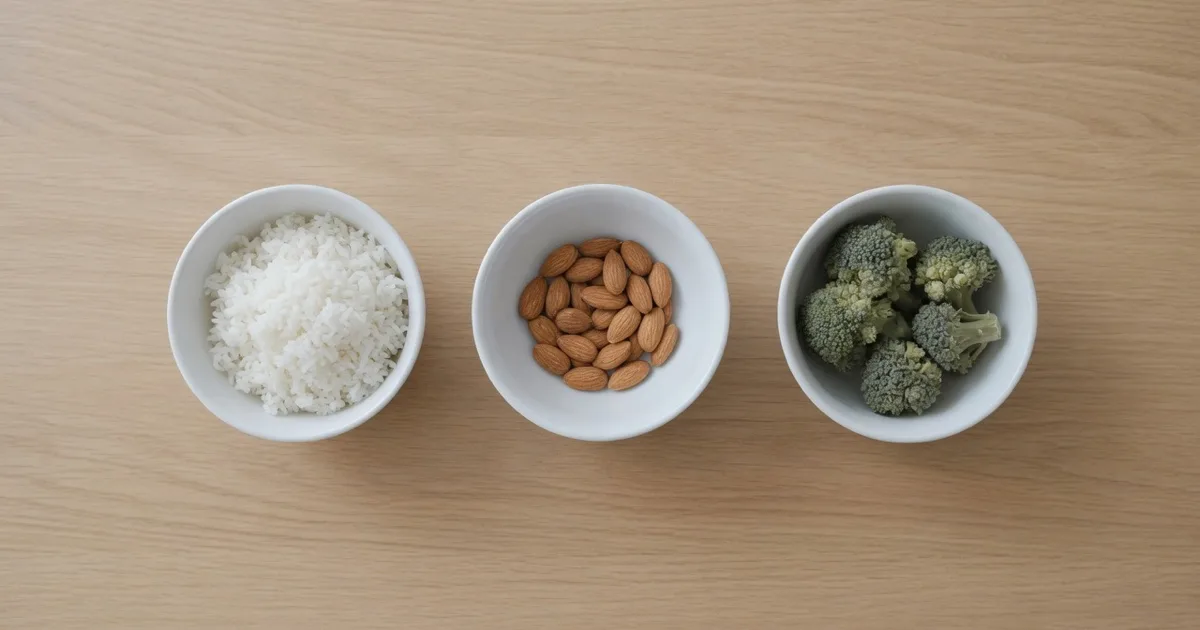
Macros are protein, carbohydrate and fat — the three nutrients that carry calories. A macro calculator takes a daily calorie target and divides it among them. Enter your details into the FindUtils Macro Calculator and it works out the calorie target first, then the split.
The important thing to understand before using any macro tool: macros are a division of a calorie total, not an addition to it. Change the split and the calories stay the same.
The Arithmetic: 4, 4 and 9
Every macro calculation rests on three numbers.
| Macronutrient | Calories per gram |
|---|---|
| Protein | 4 |
| Carbohydrate | 4 |
| Fat | 9 |
That is the whole conversion. Grams to calories is multiplication; calories to grams is division.
A 2,300-calorie target split 30% protein, 35% carbs, 35% fat gives:
Protein: 2300 × 0.30 ÷ 4 = 173 g
Carbs:   2300 × 0.35 ÷ 4 = 201 g
Fat:     2300 × 0.35 ÷ 9 =  89 g
Multiply back and you get 692 + 804 + 801 = 2,297 calories. The three-calorie gap is rounding each gram figure to a whole number, and it is the check worth running on any macro numbers you are given: if they do not multiply back to the calorie target, something is wrong.
Fat looks small in grams because it carries more than twice the calories per gram. 89 g of fat is 801 calories; 201 g of carbs is 804. The same energy.
What the Default Split Is, and Is Not
The calculator uses 30% protein, 35% carbohydrate, 35% fat. That is a reasonable general-purpose starting point, not a prescription, and it is not the only defensible ratio.
- Higher protein suits a calorie deficit, because protein preserves lean mass and is the most satiating of the three.
- Higher carbohydrate suits endurance training, where glycogen is the limiting factor.
- Higher fat suits people who simply prefer eating that way and adhere better to it.
Adherence beats optimisation. A split you follow for six months outperforms a theoretically better one you abandon in three weeks.
Step-by-Step
Step 1: Get the Calorie Target Right First
Macros are a division of calories, so the calorie figure has to be right before the split means anything. The Macro Calculator derives it with the Mifflin-St Jeor equation and an activity multiplier — the same chain the TDEE Calculator uses, so the two agree for the same person.
Step 2: Enter Your Details
Sex, age, weight, height and activity level. Metric or imperial. It runs in your browser; nothing is uploaded.
Step 3: Read the Grams, Not Just the Percentages
Percentages are abstract; grams are what you can compare against a food label. Take the gram figures to the supermarket.
Step 4: Export If You Are Tracking
CSV and JSON export are available, so the numbers can go into a spreadsheet alongside a food log.
Real Scenarios
Deficit with lifting. 2,259 calories at 30/35/35 gives roughly 169 g protein, 198 g carbs, 88 g fat. The protein figure is the one to hit first; it is what protects muscle while you are eating less.
Endurance block. A runner on 3,000 calories may shift to 25/50/25: 188 g protein, 375 g carbs, 83 g fat. Carbohydrate is fuel for that work, not a compromise.
Maintenance without tracking every meal. Many people track protein only and let the rest fall where it lands. It is less precise and much easier to sustain, and it captures most of the benefit.
Free Calculators vs Tracking Apps
| Feature | FindUtils (free) | Typical macro app |
|---|---|---|
| Price | Free, no signup | Free tier, $10-80/year |
| Account required | No | Yes |
| Where the maths runs | In your browser | On a server |
| Data retained | Nothing between sessions | Profile and food history |
| Food database | No | Yes, usually large |
| Barcode scanning | No | Yes |
| Split shown as grams and percent | Yes | Yes |
An app with a food database does something a calculator cannot. But the calculator answers the question the app asks you at signup — what are my targets — without an account, and you can take the numbers anywhere.
Common Mistakes
Mistake 1: Treating Macros as Extra Calories
They are the calorie total, divided. Changing the split does not change how much you eat.
Mistake 2: Chasing Percentages Instead of Grams
Percentages shift with your calorie target. Grams are what you eat and what labels list.
Mistake 3: Assuming Any Split Is Optimal
There is no single right ratio. Protein has the strongest evidence behind it; carbohydrate and fat are largely preference within sensible bounds.
Mistake 4: Forgetting to Recalculate
The calorie target moves as your weight does, and the macros move with it. Recalculate every few kilograms.
Mistake 5: Not Checking the Numbers Add Up
Multiply grams by 4, 4 and 9 and compare with the target. Anything more than a few calories out means a mistake somewhere.
Tools Used in This Guide
- Macro Calculator — Splits a calorie target into protein, carbs and fat
- TDEE Calculator — Maintenance calories and BMR
- Calorie Calculator — A single daily target with the deficit stated
- BMI Calculator — Body mass index and ideal weight range
- Body Fat Calculator — Navy, skinfold and BMI-based estimates
FAQ
Q1: Is the macro calculator free? A: Yes. FindUtils tools require no signup, no usage limits and no watermarks. The calculation runs in your browser and nothing you enter is uploaded.
Q2: How many calories are in a gram of protein, carbs and fat? A: Protein and carbohydrate carry 4 calories per gram; fat carries 9. Those three numbers are the whole conversion between grams and calories.
Q3: What macro split should I use? A: The calculator starts at 30% protein, 35% carbohydrate, 35% fat, which is a reasonable general-purpose ratio. Raise protein in a deficit, raise carbohydrate for endurance training, and otherwise pick what you will actually stick to.
Q4: Do macros matter more than calories? A: Calories determine whether you gain or lose weight; macros influence body composition, training performance and how full you feel. Get the calorie target right first, then the split.
Q5: Why is the fat number so much smaller in grams? A: Fat carries 9 calories per gram against 4 for the other two, so the same energy needs fewer grams. 89 g of fat and 201 g of carbs are both about 800 calories.
Q6: How do I check the macros I was given are correct? A: Multiply protein and carb grams by 4, fat grams by 9, and add them. The total should match the calorie target to within a few calories of rounding.
Q7: Does the macro calculator agree with the TDEE calculator? A: Yes. Both run the same Mifflin-St Jeor chain with the same activity multipliers, so the same inputs produce the same calorie figure on either page.
Next Steps
- Find your maintenance level first with the TDEE Calculator
- Get the daily target on its own with the Calorie Calculator
- Read the TDEE Calculator Guide for how activity multipliers work
- Track hydration alongside intake with the Water Intake Calculator