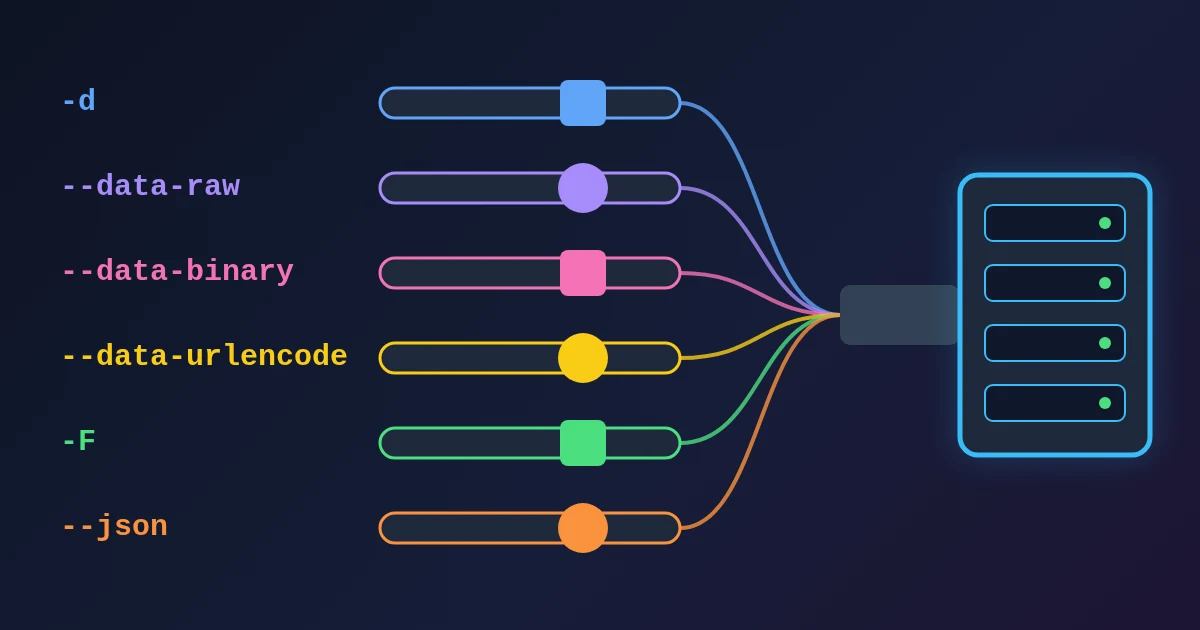
curl sends a request body with six options, and they are not interchangeable. -d (--data) sends the text as application/x-www-form-urlencoded, reads a file when the value starts with @, and strips newlines from that file. --data-raw is the same but treats @ as a normal character. --data-binary sends a file byte for byte. --data-urlencode percent-encodes the value first. -F (--form) builds a multipart/form-data body that can carry files. --json sends the data with Content-Type: application/json and Accept: application/json. All of them switch the method to POST unless you set another one, and -G moves -d data into the URL instead.
We sent each option to a small local server that prints the raw request it receives, using curl 8.14.1. The results are below, followed by how to send the same body from JavaScript and Python.
The Six Options at a Glance
| Option | Content-Type curl adds | @file | Newlines from a file | Encodes the value |
|---|---|---|---|---|
-d, --data | application/x-www-form-urlencoded | Reads the file | Removed | No |
--data-raw | application/x-www-form-urlencoded | Sent as text | (no file) | No |
--data-binary | application/x-www-form-urlencoded | Reads the file | Kept | No |
--data-urlencode | application/x-www-form-urlencoded | name@file reads and encodes | Kept, then encoded | Yes |
-F, --form | multipart/form-data; boundary=... | Attaches the file | Kept | No (each part is separate) |
--json (curl 7.82.0+) | application/json, plus Accept: application/json | Reads the file | Kept | No |
Every one of them sets the method to POST. Adding -X POST changes nothing; -X PUT or -X PATCH keeps the same body and Content-Type with the other method.
-d: The Form Default, Even for JSON
curl https://api.example.com/login -d 'user=ada&role=admin'
arrived as:
POST /login HTTP/1.1
Content-Length: 19
Content-Type: application/x-www-form-urlencoded

user=ada&role=admin
curl sends the text exactly as you typed it. It does not encode it: -d 'name=Ada Lovelace' arrived with the space still in it, which a strict form parser may reject. It also adds the form Content-Type to anything, including JSON. curl https://api.example.com/x -d '{"a":1}' arrived as Content-Type: application/x-www-form-urlencoded with a JSON body, so a JSON API that checks the header does not parse it. Add -H 'Content-Type: application/json', or use --json.
Two more rules from the curl manual, both confirmed in our tests:
- Repeated
-doptions are joined with&.-d user=ada -d role=adminsentuser=ada&role=admin. -d @filereads a file and removes carriage returns and newlines. A file withline1andline2on two lines was sent asline1line2(10 bytes). That is fine for a one-line form body and breaks anything where line breaks matter, such as pretty-printed JSON with a string that spans lines, CSV or XML.
--data-raw: When the Value Starts With @
--data-raw behaves like -d but never reads a file. --data-raw '@notafile' sent the 9 characters @notafile, where -d '@notafile' would look for a file of that name. Use it for bodies you did not write yourself, such as user input or a value that can start with @ (a handle, an email-like string). It is also what Chrome and Firefox use when you choose Copy as cURL in the Network panel.
--data-binary: Send a File Unchanged
curl https://api.example.com/import --data-binary @body.txt
sent line1\nline2\n (12 bytes), newlines included. Use --data-binary @file for JSON, CSV, XML or any file whose bytes must arrive as they are. The Content-Type is still the form type, so set the real one: -H 'Content-Type: text/csv', or application/octet-stream for arbitrary bytes, as the curl manual suggests.
--data-urlencode: Let curl Encode the Value
curl https://api.example.com/search \
  --data-urlencode 'q=hello world & more' \
  --data-urlencode 'lang=en'
sent q=hello+world+%26+more&lang=en. The value after the first = is encoded (the space became +, the & became %26), so a literal & no longer splits the field. The name before the = is not encoded, so keep names plain. The manual lists the other forms: =content encodes the content without a name, name@file encodes the contents of a file, and a value with no = or @ is encoded as a whole. To see how a value is encoded before you send it, paste it into the URL Encoder/Decoder; the post on URL encoding and query strings explains why a space can be + in a form and %20 in a path.
-F: Multipart, the Only One That Uploads Files
curl https://api.example.com/upload -F name=Ada -F [email protected]
sent Content-Type: multipart/form-data; boundary=... and two parts: a field name with the value Ada, and a part with filename="body.txt" and Content-Type: text/plain holding the file. This is what an HTML form with a file input sends. Two details matter:
- With
-F,@attaches a file as an upload, while<puts the file's contents into a normal text field (-F 'notes=<notes.txt'). - Do not set the Content-Type header yourself for multipart. The boundary in the header must match the one in the body, and curl (or your HTTP library) generates both.
-F and the -d family are two different body types, so do not mix them in one command; curl refuses that combination.
--json: The Shortcut for JSON APIs
curl https://api.example.com/items --json '{"name":"Ada"}'sent:
POST /items HTTP/1.1
Content-Type: application/json
Accept: application/json
Content-Length: 14

{"name":"Ada"}
According to the manual, --json is the same as --data-binary plus the two headers, so --json @payload.json keeps the newlines in the file. It does not check that the data is valid JSON, so run the body through the JSON Formatter when a request fails. --json was added in curl 7.82.0 (March 2022); on older systems, use --data-binary with the two -H headers.
-G: Put the Data in the URL Instead
curl -G https://api.example.com/search -d q=test -d page=2
sent GET /search?q=test&page=2 with no body and no Content-Type. -G (--get) turns any -d or --data-urlencode data into a query string, which is handy for search endpoints. Without -G, -X GET -d q=test sends a GET with a body, which most servers and proxies ignore.
Sending the Same Body From fetch and Python
The defaults differ between curl and HTTP libraries, which is the usual reason a request that works in the terminal fails in code. We sent the same form body from each and compared the headers:
| What you send | curl -d 'user=ada&role=admin' | fetch with the same string | Python requests data='user=ada&role=admin' |
|---|---|---|---|
| Content-Type | application/x-www-form-urlencoded | text/plain;charset=UTF-8 | none |
To match curl:
- fetch, form body: pass
new URLSearchParams({ user: 'ada', role: 'admin' }). fetch then setsapplication/x-www-form-urlencoded;charset=UTF-8and encodes the values (Ada LovelacebecameAda+Lovelace). - fetch, JSON:
body: JSON.stringify(obj)plusheaders: { 'Content-Type': 'application/json' }. fetch never sets the JSON type for you. - Python requests, form body: pass a dict,
data={'user': 'ada', 'role': 'admin'}. requests then sets the form type and encodes the values. A string is sent as it is, with no Content-Type. - Python requests, JSON:
json=objsetsapplication/jsonand serialises the object. - Multipart:
FormDatain fetch,files=in requests. Neither needs a Content-Type header from you.
The FindUtils cURL to Code converter writes these calls from a pasted command, in JavaScript, Python, PHP, Go, Ruby and Node.js. It reads -d, --data-raw, --data-binary and simple -F name=value fields; the cURL to Code guide lists what it does not read yet (--json, --data-urlencode, -G) and what to check in the output, such as the form Content-Type above. To send a request and inspect the response without writing any code, use the HTTP Request Builder.
Which Option Should You Use?
| You want to send | Use |
|---|---|
| A short form body you typed | -d 'a=1&b=2' |
Form fields with spaces, & or non-ASCII text | --data-urlencode 'q=...' (one per field) |
A value that may start with @ | --data-raw |
| A JSON body | --json '{...}' (curl 7.82.0+), or -H 'Content-Type: application/json' --data-raw '{...}' |
| A file exactly as it is | --data-binary @file with the right -H 'Content-Type: ...' |
| A file upload, as an HTML form does it | -F '[email protected]' |
| Query parameters on a GET | -G with -d or --data-urlencode |
Need help with a project? The team behind FindUtils takes on freelance work, such as a fast React front end for your web app, dashboard or admin panel.
FAQ
What is the difference between curl -d and --data-raw?
Only the @ character. -d @name reads the file name (and removes its newlines), while --data-raw @name sends the text @name. Both send the form Content-Type.
Does curl -d URL-encode the data?
No. -d sends the text exactly as given. Use --data-urlencode for each field whose value has spaces, &, = or non-ASCII characters.
Why does my JSON sent with curl -d fail?
curl labels -d bodies application/x-www-form-urlencoded. Add -H 'Content-Type: application/json', or use --json, which also adds Accept: application/json.
When should I use -F instead of -d?
When the server expects multipart/form-data, which is always the case for file uploads from an HTML form. Use -d or --data-urlencode for plain form fields without files.
How do I send curl data as query parameters?
Add -G. curl -G https://api.example.com/search -d q=test sends GET /search?q=test.
Related Reading
Sources
- curl man page (
-d,--data-raw,--data-binary,--data-urlencode,-F,--json,-G) - Everything curl: Simple POST, URL encoding, JSON and Multipart formposts
- MDN: RequestInit (body)
- Requests: Quickstart, More complicated POST requests
- WHATWG URL Standard: application/x-www-form-urlencoded
- RFC 7578: Returning Values from Forms: multipart/form-data