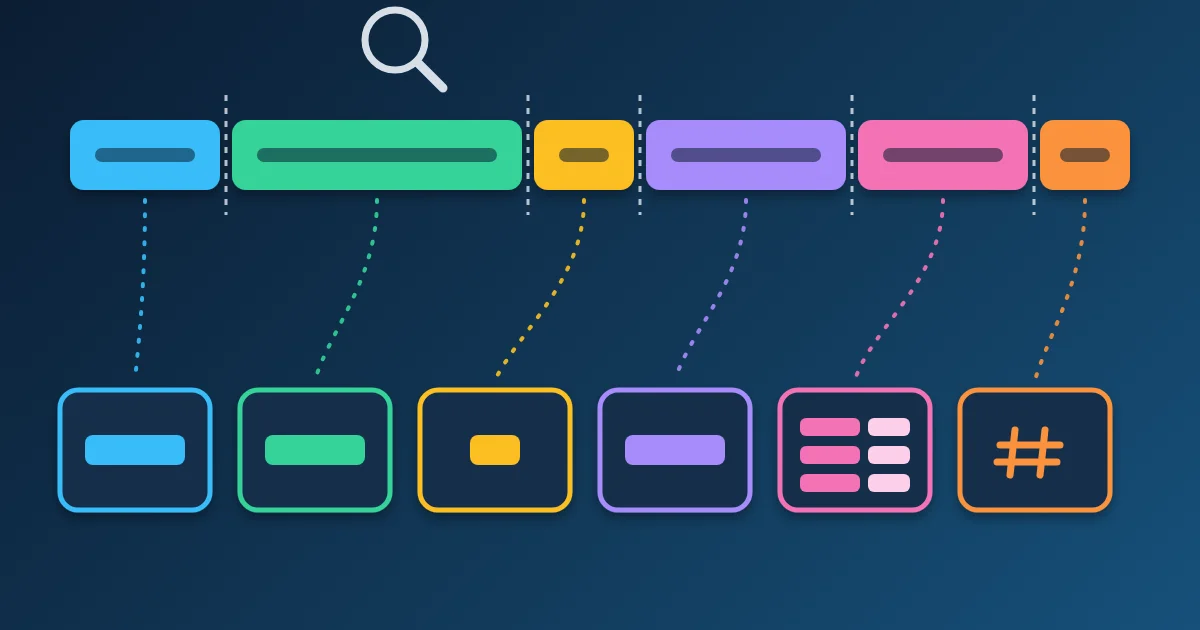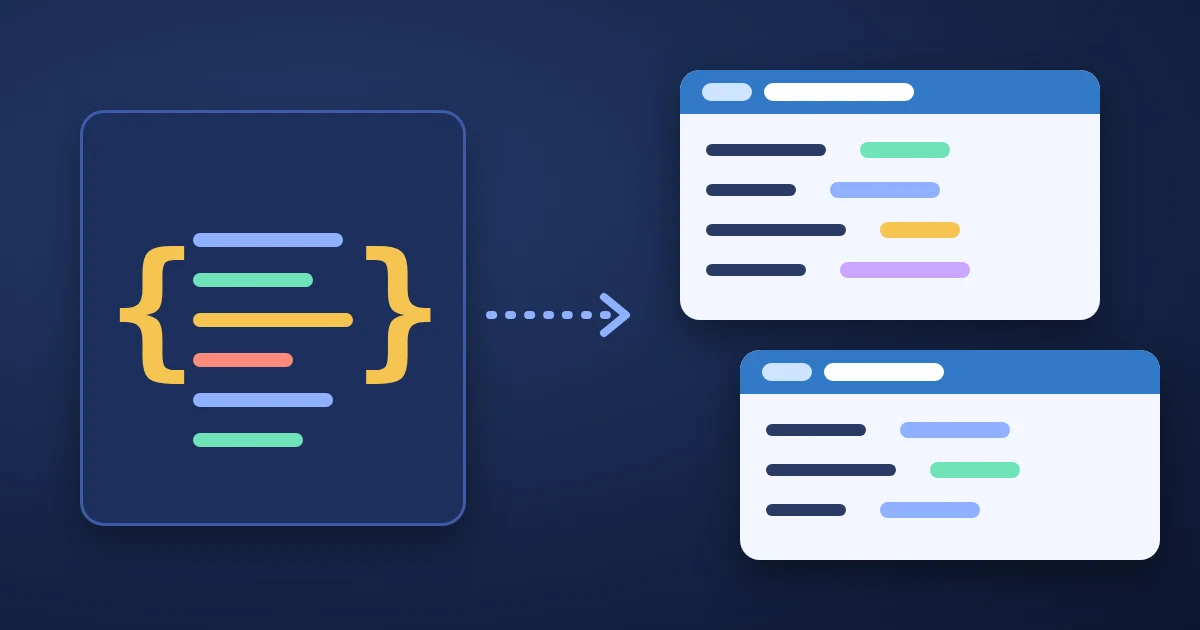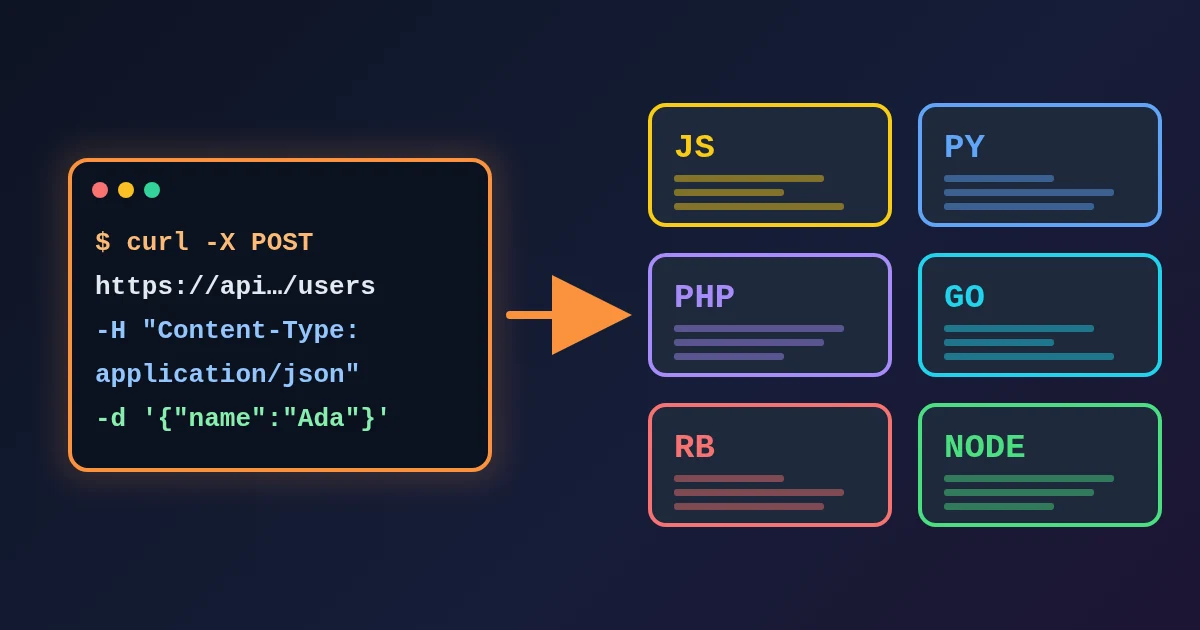
To convert a cURL command to code, paste it into the FindUtils cURL to Code converter, pick a target language (JavaScript fetch, Python requests, PHP cURL, Go net/http, Ruby net/http or Node.js https) and press Convert. The converter reads the URL, the method (-X), headers (-H), the body (-d, --data, --data-raw, --data-binary), simple form fields (-F name=value) and Basic auth (-u), and writes the same request in that language. The conversion runs in your browser.
The output is a starting point, not a guarantee that the server sees the same request. This guide shows what the converter reads, what it writes for each language, and six cases to check by hand before the code goes into your project. Every example below was run on the live tool.
How to Convert a cURL Command, Step by Step
- Open cURL to Code. Press Load Example to see a sample POST request first.
- Paste your command into the cURL Command box. Commands copied from API docs, from your terminal, or from the browser's Network panel (Copy as cURL) all work. Lines that end with a backslash are joined, so multiline commands can be pasted as they are.
- Choose the Target Language: JavaScript (Fetch), Python (Requests), PHP (cURL), Go (net/http), Ruby (net/http) or Node.js (https).
- Press Convert. The code appears under Generated Code, with the language in the title.
- Press Copy Code to put it on your clipboard. To try another language, change the dropdown and press Convert again. Clear empties the input and the output.
- Run it once against a test endpoint and compare the request with the original cURL command before you rely on it (see the checks below).
If the command has no http:// or https:// URL, you see "Invalid cURL command. Make sure it includes a valid URL." A command that uploads a file is refused with its own message (see the table below).
What the Converter Reads
| cURL option | What the converter does |
|---|---|
URL (https://... or --url) | Used as the request URL. It must start with http:// or https://. |
-X / --request | Sets the method. -X put is written as PUT. |
-H / --header | Each header is copied. |
-d, --data, --data-raw, --data-binary, --data-ascii | Becomes the request body. With no -X, the method becomes POST, as in cURL. |
-F name=value / --form | Becomes a multipart form (FormData, files= in Python, and so on). |
-F [email protected], -d @body.json | Refused: "This converter does not emit multipart file uploads..." or "...cannot read a local file...". Send files from your own code. |
-u user:password | Becomes Basic auth: an Authorization: Basic ... header, or SetBasicAuth in Go and basic_auth in Ruby. |
-L, -k, -s, -v, -i, --compressed and similar | Ignored. They change how cURL behaves, not the request. |
-b (cookie), -A (user agent), -e (referer), -o, -m | Skipped together with their value (see check 4). |
What You Get, With Real Output
This command is a typical JSON POST with a bearer token:
curl -X POST 'https://api.example.com/users' \
  -H 'Content-Type: application/json' \
  -H 'Authorization: Bearer token123' \
  -d '{"name": "Ada", "active": true, "team": null}'
JavaScript (Fetch) wraps a JSON body in JSON.stringify(...):
const response = await fetch('https://api.example.com/users', {
  method: 'POST',
  headers: {
    'Content-Type': 'application/json',
    'Authorization': 'Bearer token123',
  },
  body: JSON.stringify({"name": "Ada", "active": true, "team": null}),
});

const data = await response.json();
console.log(data);
Go (net/http) puts the body in a raw string and sets each header:
body := strings.NewReader(`{"name": "Ada", "active": true, "team": null}`)
req, err := http.NewRequest("POST", "https://api.example.com/users", body)
if err != nil {
    panic(err)
}

req.Header.Set("Content-Type", "application/json")
req.Header.Set("Authorization", "Bearer token123")
The other languages follow the same pattern. PHP uses curl_setopt_array with CURLOPT_CUSTOMREQUEST, CURLOPT_HTTPHEADER and CURLOPT_POSTFIELDS; Ruby builds a Net::HTTP::Post and sets request.body; Node.js fills an options object for https.request and calls req.write(...). Python is covered in check 2.
With form fields, curl https://api.example.com/upload -F name=Ada -F team=core becomes new FormData() with two form.append(...) lines in JavaScript and files = {'name': (None, 'Ada'), 'team': (None, 'core')} in Python, which is how requests sends a multipart field without a file. A Content-Type header from the command is left out on purpose, because the multipart boundary has to be set by the library.
With curl -u ada:s3cret https://api.example.com/me, JavaScript gets 'Authorization': 'Basic YWRhOnMzY3JldA==' (the Base64 of ada:s3cret, which you can check in the Base64 Encoder) and Go gets req.SetBasicAuth("ada", "s3cret").
Six Things to Check Before You Use the Output
1. A form body without a Content-Type header
cURL sends -d 'user=ada&role=admin' with Content-Type: application/x-www-form-urlencoded, even though you never typed that header. The converter only copies headers that are in the command, so the generated fetch call has a plain string body, and fetch labels a string body text/plain;charset=UTF-8 (we checked both requests against a local echo server). Python requests sends a string body with no Content-Type at all. Many servers then ignore the fields. Add the header yourself, or in JavaScript pass new URLSearchParams({ user: 'ada', role: 'admin' }) as the body, which sets the form type for you.
2. JSON with true, false or null in Python
For a JSON body, the Python output pastes the JSON as a Python value: data = {"name": "Ada", "active": true, "team": null}. That line fails with NameError: name 'true' is not defined, because Python spells them True, False and None. Change the three words by hand, or replace the line with data = json.loads('...'). The request itself uses json=data, which is correct.
3. More than one -d
cURL joins repeated data options with &: -d user=ada -d role=admin sends user=ada&role=admin. The converter keeps only the last one (role=admin). Merge them into one -d before you convert.
4. Options that are skipped or not read
-b 'session=abc'(cookies),-A(user agent) and-e(referer) are dropped. A request copied from the browser often depends on its cookie, so add aCookieheader to the generated code if the server needs it.--json '{...}'and--data-urlencodeare not read, so the output is a GET with no body. Rewrite--jsonas-H 'Content-Type: application/json' -H 'Accept: application/json' --data-raw '{...}', and encode--data-urlencodevalues first with the URL Encoder/Decoder.-G(send the data in the query string) is not read, socurl -G https://api.example.com/search -d q=testbecomes a POST with a body. Put the parameters in the URL instead:https://api.example.com/search?q=test.-I(HEAD request) becomes a GET.
5. Quotes and $'...' inside values
Values are written between single quotes in JavaScript, PHP, Ruby and Node.js, and quotes inside the value are not escaped. -d "note=it's done" produces body: 'note=it's done', which does not parse. When Chrome's Copy as cURL (bash) meets a quote or a line break, it uses bash's $'...' quoting, and the converter keeps the $ and the quotes as part of the body. Escape those quotes in the output, or paste a body without them. JSON bodies in JavaScript are not affected, because they go through JSON.stringify.
6. http:// URLs in Node.js
The Node.js output always uses the https module and copies only the host name. curl http://localhost:8080/health becomes hostname: 'localhost' with no port, sent over HTTPS. For a local or plain-HTTP service, change require('https') to require('http') and add port: 8080 to the options, or use the JavaScript (Fetch) output, which keeps the full URL (Node.js 18 and later have fetch built in).
Which Target Should You Pick?
| Target | Library | Good for |
|---|---|---|
| JavaScript (Fetch) | fetch | Browsers and Node.js 18+; top-level await needs a module or an async function |
| Python (Requests) | requests | Scripts and back ends; install with pip install requests |
| PHP (cURL) | ext-curl | Any PHP app; no extra package |
| Go (net/http) | standard library | Services and CLIs; add your own timeout with http.Client{Timeout: ...} |
| Ruby (net/http) | standard library | Scripts and Rails code without extra gems |
| Node.js (https) | https module | Older Node.js versions without fetch |
Every target prints the response at the end. JavaScript and Python call response.json(), which throws on an empty or non-JSON response, such as a 204 No Content; read the body as text in that case.
Tips
- Get the command from the browser. In the Network panel, right-click a request and choose Copy as cURL. If you saved the whole session, HAR to cURL turns each request in a HAR file into a cURL command; the HAR Viewer guide explains how to capture one.
- Coming from Postman? Postman to cURL exports a collection request as cURL, which you can then convert here. See the Postman to cURL guide.
- Try the request before you write code. The HTTP Request Builder sends a request and shows the status, headers and body; the HTTP Request Builder guide walks through it.
- Format the response. Paste what comes back into the JSON Formatter. If a status code is unclear, look it up in HTTP Status Code Lookup.
- Remove secrets before you share. Tokens and passwords in
-Hand-uend up in the generated code as plain text. Replace them with an environment variable before you commit the snippet.
FAQ
How do I convert a cURL command to Python requests?
Paste the command into cURL to Code, choose Python (Requests) and press Convert. Check JSON bodies for true, false and null, which must become True, False and None in Python.
Can I paste a command copied from Chrome DevTools?
Yes. Multiline commands and --data-raw bodies are read. Cookies sent with -b are dropped, and bodies that Chrome writes with $'...' quoting need to be fixed by hand.
Does the converter support file uploads?
No. -F [email protected] and --data-binary @file are refused with an error message instead of producing a request without the file. Simple -F name=value fields are converted.
Why does my converted request get a different response from the server?
Compare the headers. The most common differences are a missing Content-Type: application/x-www-form-urlencoded for -d bodies, a missing cookie, a missing User-Agent, and only the last of several -d options being kept.
Is my cURL command uploaded?
No. On this page the conversion runs in your browser, so tokens and passwords in the command are not sent anywhere.
Related Reading
Sources
- curl man page (
-d,--data-raw,--data-binary,--data-urlencode,-F,--json,-G) - Everything curl: Simple POST
- MDN: Window.fetch() and RequestInit
- Requests: Quickstart
- Go standard library: package net/http