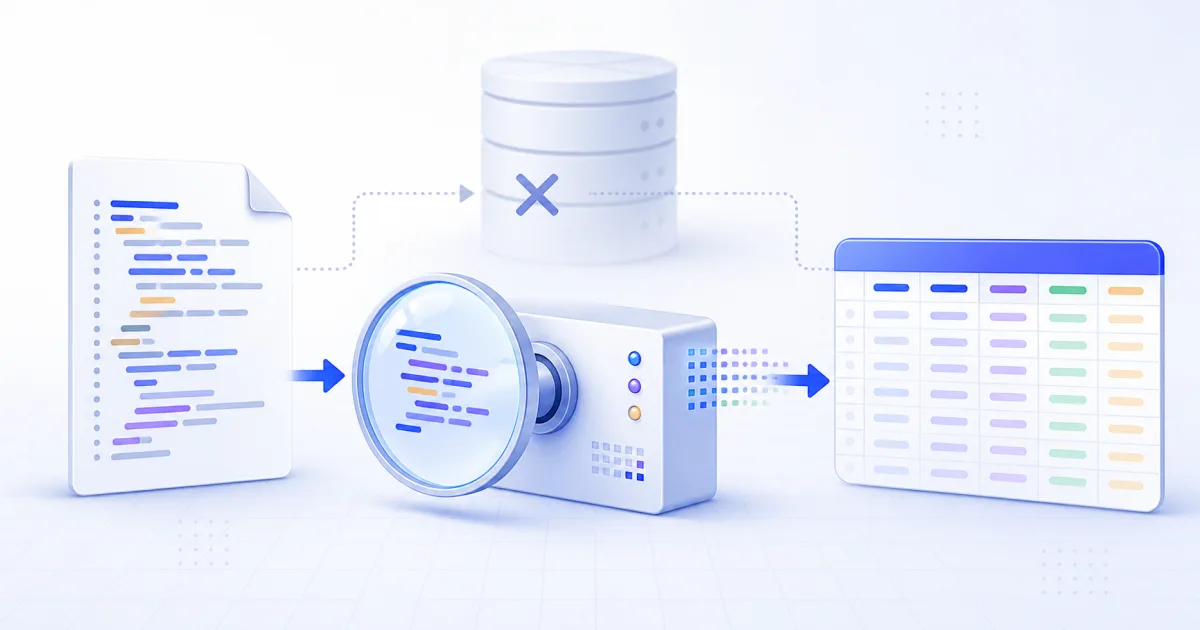
A SQL dump can look like a database because it can rebuild one. In many cases, it is only a text file with instructions.
That difference matters when you need to inspect the rows. You might not need MySQL, PostgreSQL or SQLite at all.
If the file contains plain INSERT ... VALUES statements, the values are already present. A parser can read them and write a CSV file.
This approach is useful for a quick review, a one-time spreadsheet, or a small data recovery task. It is not a replacement for every restore.
What a Plain SQL Dump Contains
A typical dump has two kinds of information:
- Schema statements describe tables, columns and indexes.
- Data statements place literal rows into those tables.
The data can look like this:
INSERT INTO users (id, name, active) VALUES
  (1, 'Ada', TRUE),
  (2, 'Lin', FALSE);
The table name, column names and values are visible. A parser can turn that block into a CSV header and two rows.
Other statements can set a session value, lock a table or create an index. Those statements do not contain rows.
When Direct Extraction Is the Faster Choice
Use direct extraction when all these conditions apply:
- The dump is plain text.
- The rows use
INSERT ... VALUES. - You need to inspect or export the rows.
- You do not need database queries, triggers or views.
This method removes database setup from the task. You do not need matching server software or an empty database.
Open SQL to CSV, paste or select the dump, and review the detected tables. Download one table or all tables.
Why a Simple Text Split Is Unsafe
SQL text has structure. A semicolon can end a statement, but it can also appear inside a string.
INSERT INTO notes (body) VALUES ('First part; second part');Splitting at every semicolon breaks this row. The same problem appears with commas, comment markers and quote characters inside values.
A useful parser tracks its current state. It must know when it is inside a string, identifier or comment.
This is also why comment removal with a regular expression is unsafe. The text -- can be part of a stored value.
Where the CSV Header Comes From
An INSERT statement can name its columns:
INSERT INTO users (id, email) VALUES (1, '[email protected]');
Some dumps omit that list. A parser can then use an earlier CREATE TABLE statement.
If neither statement names the columns, only their positions remain. The result must use names such as column_1 and column_2.
Positional names do not mean that the data is wrong. They mean that the dump did not supply enough header information.
Values That Need Special Care
NULL is the most important case. It means that no SQL value exists.
CSV has no native null value. Most exports write NULL as an empty cell.
That choice creates one limit. An SQL null and an empty SQL string can look the same in CSV.
Quoted text also needs correct escape handling. Standard SQL doubles an apostrophe. Some MySQL dumps use a backslash.
The parser must also quote CSV cells that contain a comma, quote or line break. Otherwise, a spreadsheet reads one value as several columns.
When You Still Need a Database
Direct extraction cannot calculate missing rows.
An INSERT ... SELECT statement tells the database to run a query. It does not contain the final values.
Binary archives also need their database tools. PostgreSQL custom archives and binary COPY sections are not plain SQL text.
You also need a database when you want to:
- Run joins or filters across tables.
- Apply triggers or generated columns.
- Check constraints during import.
- Rebuild views or stored procedures.
- Recover data from a binary database file.
For a .db or .sqlite file, use SQLite Browser instead.
Verify the Result Before You Use It
Do not treat a successful download as proof that every row converted.
Check the table names and row counts. Read the skipped-statement list. Confirm that the header uses real column names.
Open the result in CSV Viewer. Inspect rows with commas, apostrophes and line breaks.
Also check the output limit. A clear truncation notice means that the source has more rows than the current conversion includes.
Protect the Source Data
Local browser processing prevents a file upload. It does not make sensitive source data harmless.
A production dump can contain passwords, tokens, customer details and internal records. Use a trusted device and protect the downloaded CSV.
Delete local copies through your normal secure process when the task is complete.
A Practical Rule
Read the dump before you restore it.
If you see plain INSERT values and only need the rows, extract them directly. If the file contains queries or binary data, use the matching database tools.
The SQL to CSV guide gives detailed rules for supported statements, headers, nulls and output limits.
Related Tools
- SQL to CSV extracts literal rows from a text dump.
- CSV Viewer checks the table before another import.
- SQL Formatter makes long statements easier to inspect.
- SQLite Browser reads SQLite database files.