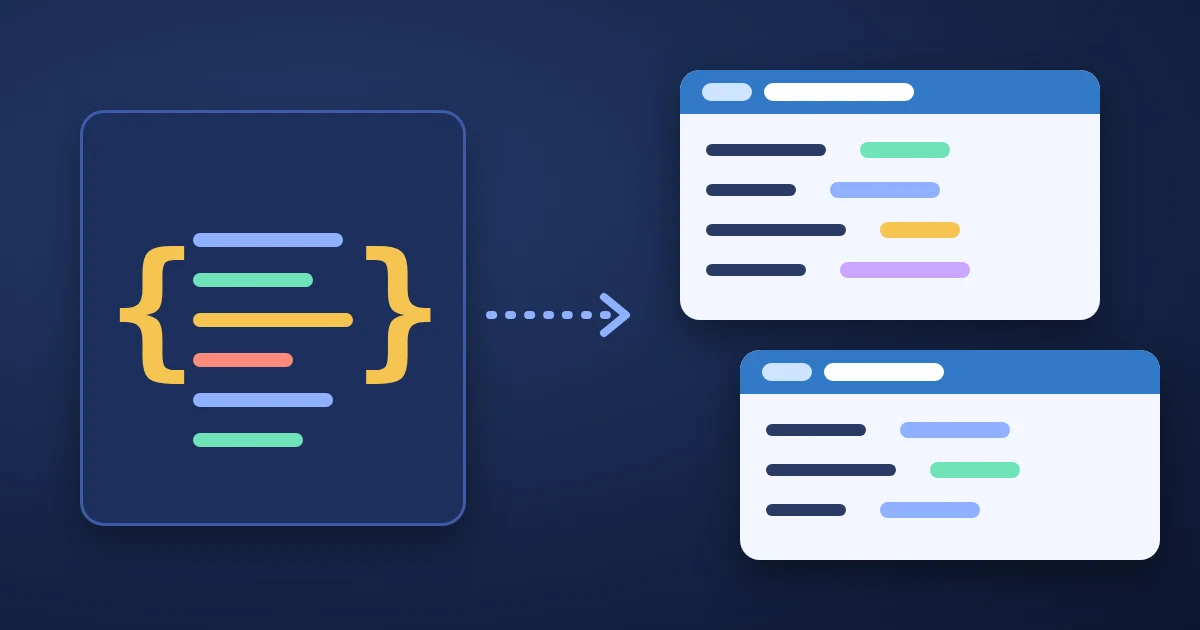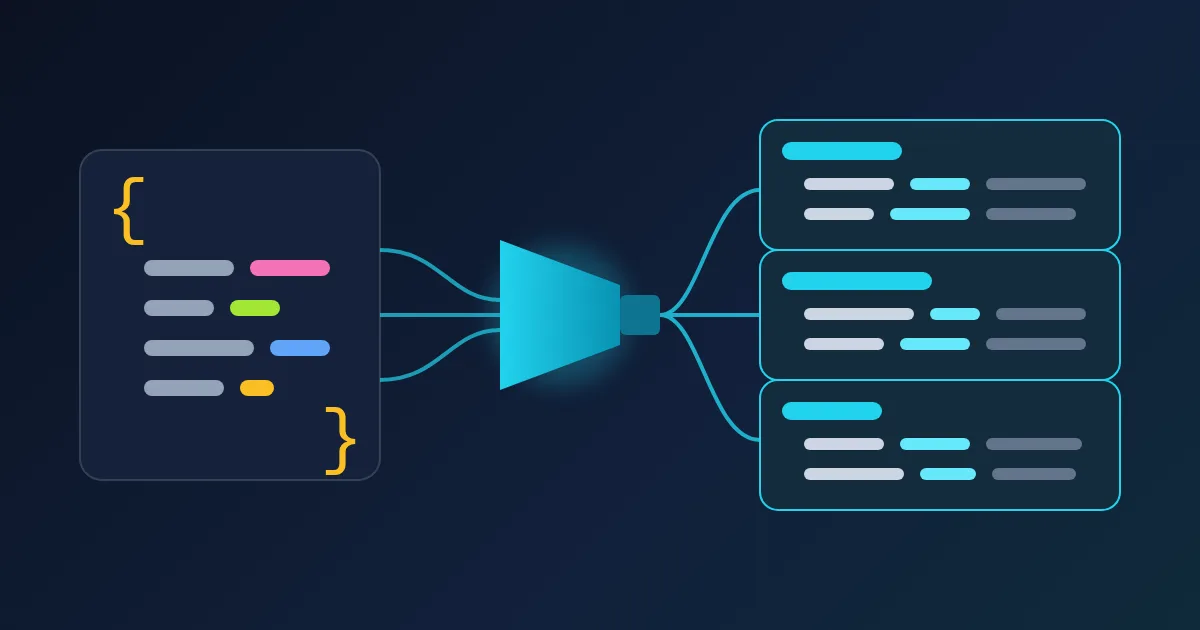
To turn JSON into Go structs, paste a sample into the FindUtils JSON to Go Struct generator, set the root struct name, choose whether to add json tags and omitempty, and press Generate Go Struct. Each JSON key becomes an exported PascalCase field with a json:"key" tag, each nested object becomes its own struct type, and the result can be copied or downloaded as a .go file. The conversion runs in your browser.
A generator only sees the one sample you give it, so treat the output as a first draft. This guide shows what each option produces, how each JSON value is mapped to a Go type, and the cases to fix by hand before the struct goes into your code.
How to Generate a Go Struct From JSON, Step by Step
- Open JSON to Go Struct. Press Load Sample if you want to see an example first.
- Paste your JSON into the JSON Input box. A real API response is the best input. If it arrives minified, the JSON Formatter makes it readable first.
- Set the Struct Name. It names the top-level type (the default is
Root). Type a valid Go name such asUserorOrderResponse. - Choose the options. JSON Tags (on by default) adds a
json:"..."tag to every field. Omit Empty adds,omitemptyto every tag. Inline Structs writes nested objects inside their parent instead of as separate types. - Press Generate Go Struct. The Go code appears on the right. If the input is not valid JSON, you see "Invalid JSON format" instead.
- Copy or download. Copy puts the code on your clipboard; Download.go saves it as a file named after the struct, such as
root.go. - Run
gofmt(or let your editor format on save). The generator separates the name, type and tag of each field with one space;gofmtaligns them into columns.
What the Generator Produces, With Real Output
With the built-in sample and the default options (JSON Tags on, Omit Empty and Inline Structs off), the output is:
type Address struct {
	Street string `json:"street"`
	City string `json:"city"`
	ZipCode string `json:"zip_code"`
}

type Root struct {
	Id int `json:"id"`
	Name string `json:"name"`
	Email string `json:"email"`
	Age int `json:"age"`
	IsActive bool `json:"is_active"`
	Balance float64 `json:"balance"`
	Tags []string `json:"tags"`
	Address Address `json:"address"`
}
The nested address object became its own Address type, and the key zip_code became the field ZipCode with the original key kept in the tag. The struct compiles as it is.
Omit Empty changes every tag to the form json:"street,omitempty". It is all or nothing: the option cannot mark only some fields as optional, so remove ,omitempty by hand from fields that must always be sent. What omitempty actually leaves out (0, false, "", a nil pointer, an empty slice) is explained in Go omitempty vs omitzero.
Inline Structs writes the nested type in place:
type Root struct {
	A struct {
		B int `json:"b,omitempty"`
	} `json:"a,omitempty"`
}
(shown after gofmt; the generator leaves the inner lines unindented). Use it for a small object that appears in one place only. Separate named types are easier to reuse and to write tests for.
Turning JSON Tags off removes the tags. That works only when the Go field names match the JSON keys apart from letter case, because Go's decoder falls back to a case-insensitive match. A key like zip_code would no longer reach the field ZipCode.
How JSON Values Become Go Types
| JSON value | Example | Go type in the output |
|---|---|---|
| String | "Ada" | string |
| Whole number | 42, -3 | int |
| Number with a fraction | 1500.5 | float64 |
true / false | true | bool |
null | null | interface{} |
| Object | {"city": "Izmir"} | A new struct named after the key |
| Array | ["a", "b"] | A slice of the first element's type, []string |
| Empty array | [] | []interface{} |
Each nested struct is named by converting its key to PascalCase, so the key items gives a type called Items. Rename it to the singular (Item) if you prefer.
Five Things to Check Before You Use the Output
These are cases where one sample does not contain enough information. We ran each one through the generator; the results below are what it produces today.
1. Numbers that look whole
The type is chosen from the value in the sample. "price": 10.0 is read as the number 10, so the field becomes int. If the API later sends 10.5, Go's json.Unmarshal returns an error ("cannot unmarshal number 10.5 into Go struct field ... of type int"), and it rejects the literal 10.0 in the same way. Use float64 for prices, rates and measurements, whatever the sample shows. Use int64 for IDs and counters that can grow large.
2. null
A null in the sample becomes interface{}, because the generator cannot tell what the field holds when it has a value. Replace it with a pointer to the real type, such as *string for a middle name or *time.Time for a deleted_at date. A pointer is nil when the key is missing or null, and points to the value otherwise.
3. Arrays
Only the first element of an array is used. For [1, "a"] the field becomes []int, and decoding the string fails. For an array of objects, fields that only appear in later elements are left out: with [{"id": 1}, {"id": 2, "sku": "x"}] the struct has Id but no Sku. Put the most complete element first, or add the missing fields by hand.
A top-level array is not handled. If the whole document is an array, such as [{"id": 1}, {"id": 2}], the generator treats the positions 0 and 1 as keys and writes invalid Go. Paste a single element instead ({"id": 1}), generate the struct, and decode the document into a slice of it: var items []Root.
4. Keys that are not valid Go names
Only -, _ and spaces are converted. Other keys are copied into the field name as they are, so "2fa", "@type" and "user.email" give lines that do not compile. Keys that differ only by separator or case also collide: "user-id", "user_id" and "userId" all become UserId, and Go reports the field as redeclared. Rename those fields by hand, and keep the original key in the tag, for example:
TwoFactor bool   `json:"2fa"`
Type      string `json:"@type"`
Go style also writes initialisms in one case: ID, URL and HTTP, not Id, Url and Http. The generator writes Id and Url, so rename them to follow the Go code review conventions. The tag keeps the JSON key, so renaming the field does not change the JSON.
5. Two objects with the same key
Nested types are named after their key, and a later object with the same key replaces the earlier type. With {"author": {"name": "a"}, "post": {"author": {"id": 1}}} the output has one Author type with only Id, so the top-level author's name is lost. When the same key holds different shapes, rename one of the types (for example PostAuthor) and add the missing fields.
Tips
- Check the field paths first. For a large response, the JSON Path Finder shows the path to every value, which helps you decide which parts you need structs for.
- Compare two responses in JSON Diff to find fields that appear only sometimes. Those are the fields that need a pointer or
omitempty. - Need the same data in TypeScript? The JSON to TypeScript generator does the same job for the front end; see the JSON to TypeScript guide.
- Want a contract, not just a type? The JSON Schema Generator writes a schema you can validate responses against.
- Decode strictly while you test. A Go
json.DecoderwithDisallowUnknownFields()returns an error for keys your struct does not have, which shows what the sample missed.
FAQ
How do I convert JSON to a Go struct online?
Paste the JSON into JSON to Go Struct, set the struct name and options, and press Generate Go Struct. Copy the result or download it as a .go file, then run gofmt on it.
Does the generator use int or float64 for JSON numbers?
It looks at the sample value: whole numbers become int, numbers with a fraction become float64. Because 10.0 is read as a whole number, check money and measurement fields and change them to float64 where needed.
What happens to null values?
They become interface{}. Change the field to a pointer of the real type, such as *string, so that a missing or null value decodes to nil.
Can I convert a JSON array?
Not as the top-level value. Paste one element of the array, generate the struct, and decode the full array into a slice of that struct, for example var users []User.
Does Omit Empty make the field optional when decoding?
No. omitempty only affects encoding (writing JSON). When decoding, a missing key simply leaves the field at its zero value, with or without the option.
Is my JSON uploaded?
No. On this page the conversion runs in your browser, and the JSON is not sent anywhere.