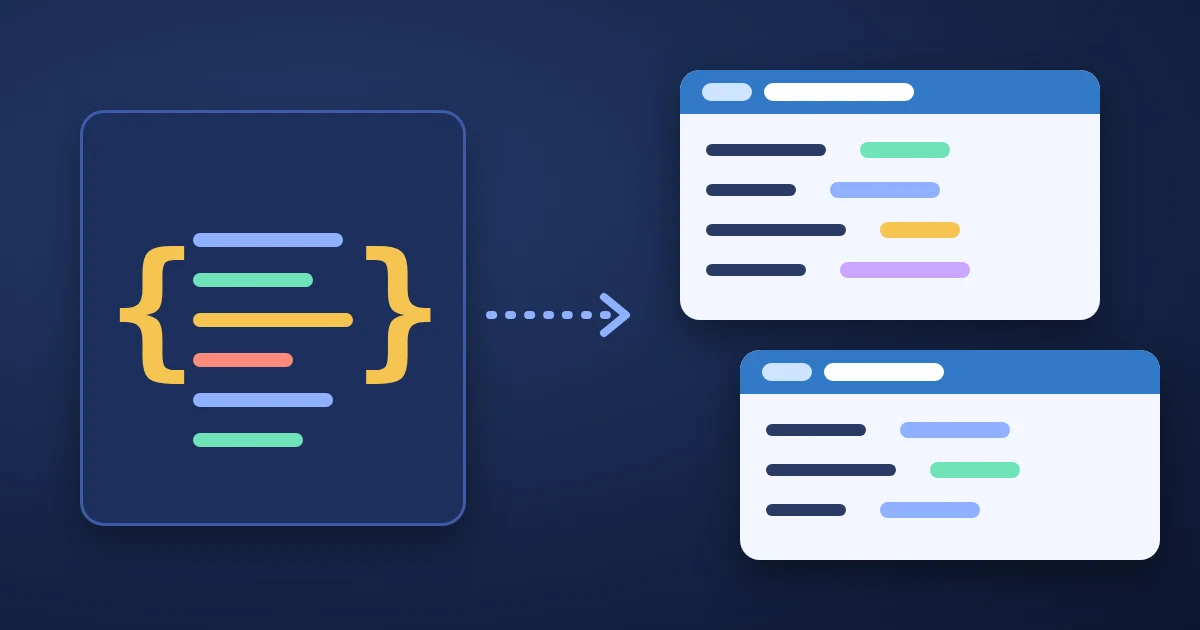
A JSON to TypeScript converter reads a sample of JSON and writes the TypeScript types that describe it, so you do not have to type out an interface for every API response by hand. Paste your JSON into the FindUtils JSON to TypeScript tool and the output panel shows one interface (or type) for the root object and one for every nested object, with string, number, boolean, null and array types filled in. It is free, needs no signup, and on the tool page the conversion runs in your browser.
A generator can only describe the sample it sees. This guide shows how to run the tool, what each option does, and the five edits that turn generated types into types you can rely on.
What Does a JSON to TypeScript Converter Do?
It maps each JSON value to the TypeScript type that matches it. JSON has only six kinds of value, which RFC 8259 lists as object, array, number, string, and the literal names true, false and null. The FindUtils tool maps them like this:
| JSON value in the sample | Generated TypeScript |
|---|---|
"text" | string |
42 or 59.9 | number |
true / false | boolean |
null | null |
{ ... } | A separate named interface (or an inline object type) |
["a", "b"] | string[] |
[1, "n/a", null] | (number | string | null)[] |
[] | unknown[] |
TypeScript has one number type for integers and decimals alike. As the TypeScript Handbook puts it, JavaScript has no special runtime value for integers, so there is no int or float.
How to Convert JSON to TypeScript Online
The whole job takes four steps, and the output updates as you type.
Step 1Paste Valid JSON
Open the JSON to TypeScript tool and paste your sample into the JSON Input panel, or click Load Example to see a filled-in example first. The input must be strict JSON. If it is not, the tool shows "Invalid JSON format. Please check your input." Run messy input through the JSON Formatter first: its Auto-Fix repairs trailing commas, single quotes and unquoted keys.
Step 2Name the Root Type
Type a name into Root Interface Name. It defaults to Root. Give it a name that says what the data is, such as Order or UserProfile. Nested types are named after their JSON keys, so a customer object becomes Customer, and the items of an items array become ItemsItem.
Step 3Choose the Options
| Option | Default | What it does |
|---|---|---|
| Output Type | interface | Writes interface Name { ... } or type Name = { ... }; |
| Naming Convention | PascalCase | Sets the style of the generated type names (Customer or customer). Property keys are kept exactly as they are in the JSON |
| Add Export | On | Puts export in front of every declaration |
| Optional Properties | Off | Adds ? to every property |
| Inline Nested | Off | Writes nested objects inside the parent type instead of as separate types |
Step 4Copy and Review
Click Copy and paste the result into a .ts file. Then read it once against the checklist further down: the tool types what is in the sample, and your real data may allow more.
A Worked Example: Typing an API Response
Here is an order as an API might return it:
{
  "id": 1042,
  "status": "shipped",
  "total": 59.9,
  "coupon": null,
  "created_at": "2026-10-18T09:30:00Z",
  "customer": { "id": 7, "name": "Ada Lovelace", "email": "[email protected]" },
  "items": [
    { "sku": "MUG-01", "qty": 2, "price": 12.5 },
    { "sku": "TEE-04", "qty": 1, "price": 34.9 }
  ],
  "tags": []
}
With the root name Order and the default options, the tool writes:
export interface Order {
  id: number;
  status: string;
  total: number;
  coupon: null;
  created_at: string;
  customer: Customer;
  items: ItemsItem[];
  tags: unknown[];
}

export interface ItemsItem {
  sku: string;
  qty: number;
  price: number;
}

export interface Customer {
  id: number;
  name: string;
  email: string;
}
That is correct for this one sample, and three lines are worth a second look: coupon: null only allows null, tags: unknown[] says nothing about the tags, and ItemsItem is a name you will want to change. After the edits in the next section, the hand-finished version reads:
export interface Order {
  id: number;
  status: "pending" | "shipped" | "delivered";
  total: number;
  coupon: string | null;
  created_at: string; // ISO 8601 timestamp
  customer: Customer;
  items: OrderItem[];
  tags: string[];
}

export interface OrderItem {
  sku: string;
  qty: number;
  price: number;
}
The status values here are an example. Use the values your API documents.
Five Edits That Make Generated Types Trustworthy
Each of these comes from how inference from a single sample works. Check them every time.
1. Widen null to the real type
A field that is null in the sample becomes null in the output, because the tool has no other value to look at. If the field can also hold a string, write string | null. With the strictNullChecks compiler option on, TypeScript then makes you check for null before you use the value, which is the point of typing it.
2. Mark keys that are sometimes missing as optional
The tool treats every key in the sample as required. The Optional Properties switch adds ? to all of them at once, which is useful for partial update payloads but too loose for most responses. For a normal response, leave the switch off and add ? by hand to the keys your API documents as optional. The Handbook's object types chapter explains how optional properties behave.
3. Merge array items that have different keys
If the items of one array have different sets of keys, the tool writes one declaration per shape, and both get the same name:
export interface ResultsItem {
  id: number;
  title: string;
  subtitle: string;
}

export interface ResultsItem {
  id: number;
  title: string;
}
With type output this is a "Duplicate identifier" error. With interface output it compiles, because TypeScript merges interfaces that share a name (declaration merging), but the merged type then requires subtitle on every item. Replace the two with one interface and make the extra key optional: subtitle?: string;.
4. Check objects that share the same keys
Objects with the same set of key names share one generated type, named after the first one found. In this sample, billing and shipping both have city and zip:
{ "billing": { "city": "Izmir", "zip": "35000" }, "shipping": { "city": "Ankara", "zip": 6000 } }Both properties get the type Billing, with zip: string, taken from the first object. Here the reuse hides an inconsistency in the data: one zip is a number. Rename the shared type to something neutral such as Address, and fix either the data or the type.
5. Decide what strings really are
JSON has no date, enum or ID type, so timestamps, status codes and IDs all arrive as string. Narrow fields with a fixed set of values to a union of string literals, as in "pending" | "shipped". Leave timestamps as string (they are strings at runtime after JSON.parse) and note the format in a comment. Very large integers need care too: values above Number.MAX_SAFE_INTEGER (2^53 − 1, per MDN) lose precision when parsed as a number, which is why some APIs send large IDs as strings.
Interface or Type Alias?
For the object shapes this tool produces, both work. The TypeScript Handbook says the key difference is that a type alias cannot be re-opened to add new properties, while an interface is always extendable, and it gives a simple rule: "use interface until you need to use features from type." Switch Output Type to type when you plan to build unions or intersections from the result.
| Aspect | interface output | type output |
|---|---|---|
| Syntax | interface Order { ... } | type Order = { ... }; |
| Same name declared twice | Merged into one interface | "Duplicate identifier" error |
| Extending | interface Big extends Order { ... } | type Big = Order & { ... } |
| Unions of whole types | Not possible directly | type Result = Ok | Failure |
Special Cases
- Top-level arrays: if the JSON starts with
[, the tool writes only the item type, for exampleUserItemfor the root nameUser. Add the list type yourself:export type Users = UserItem[];. - Keys that are not identifiers: a key such as
created-atoruser idis written in quotes ('created-at': string;), which is valid TypeScript. Access it with brackets:order["created-at"]. - Snake case keys: the naming option changes type names only, so
created_atstayscreated_at. That is what you want, because the keys must match the JSON your code receives. - A single value: a JSON text can also be a lone string or number, as RFC 8259 allows. The tool only writes declarations for objects, so such input produces no output.
Common Mistakes to Avoid
Mistake 1: Typing from one hand-picked example
A sample with every field filled in hides the nulls and missing keys of real data. Paste a response that includes empty and missing values, or check two responses side by side in the JSON Diff tool to find keys that only sometimes appear.
Mistake 2: Treating generated types as validation
TypeScript types are removed when your code is compiled, so they do not check data at runtime. If the data comes from outside your code, validate it too. The JSON to Zod Schema tool generates a runtime validation schema from the same sample, and the JSON Schema Generator writes a Draft-07 schema you can share with other languages.
Mistake 3: Leaving unknown[] in place
An empty array in the sample gives unknown[]. Find a response where the array has items, or fill in the element type yourself.
Mistake 4: Keeping the automatic names
Names like ItemsItem and ResultsItem come from keys and work, but they read badly in error messages. Rename them to domain names such as OrderItem before the types spread through your code.
JSON to TypeScript vs Other Ways to Get Types
| Approach | Best for | What it needs |
|---|---|---|
| FindUtils JSON to TypeScript | Quick types from a sample response or config file | A JSON sample; nothing to install |
| Writing types by hand | Small, stable shapes you know well | Time and care |
| Generating from an API schema (OpenAPI or GraphQL) | APIs that publish a schema | The schema file; for GraphQL, the GraphQL to TypeScript tool |
| Runtime schema plus inferred type | Data from untrusted sources | A validation library such as Zod |
Tools Used in This Guide
- JSON to TypeScriptGenerate interfaces or type aliases from a JSON sample
- JSON FormatterFormat, minify and repair JSON before you convert it
- JSON to Zod SchemaGet a runtime validation schema from the same sample
- JSON Schema GeneratorWrite a Draft-07 JSON Schema from sample data
- JSON DiffCompare two responses to find keys that come and go
- JSON Path FinderPull one nested part out of a large response before typing it
- GraphQL to TypeScriptGenerate types from a GraphQL schema instead of a sample
FAQ
How do I convert JSON to a TypeScript interface?
Paste the JSON into the FindUtils JSON to TypeScript tool, set Root Interface Name to a meaningful name, and copy the output. Each nested object becomes its own interface unless you turn on Inline Nested.
Does the converter detect optional properties?
No. It describes the sample it is given, so every key in the sample is required. Turn on Optional Properties to add ? to every key, or add ? by hand to the keys that can be missing.
Why is a field typed as null?
Because its value in the sample is null, and the tool has nothing else to infer from. Change it to the real type plus null, for example string | null.
Should I choose interface or type?
For plain object shapes either works. The TypeScript Handbook suggests using interface until you need a feature of type, such as unions of whole types.
Can it convert a JSON array?
Yes. A top-level array produces the type of its items, named after the root name with Item added. Add export type List = ListItem[]; yourself if you need the array type.
Is my JSON uploaded?
No. On the tool page the conversion runs in your browser, and the JSON you paste is not sent to a server.
Is the JSON to TypeScript tool free?
Yes. It is free, has no usage limit, and needs no account.
Next Steps
- Learn the JSON tool set as a whole in the complete guide to online JSON tools.
- Validate payloads against a schema with the JSON Schema validation guide.
- Find keys that differ between two responses with the JSON comparison guide.
- See where JSON loses type information on the way to CSV and SQL in why JSON to CSV to SQL loses data types.