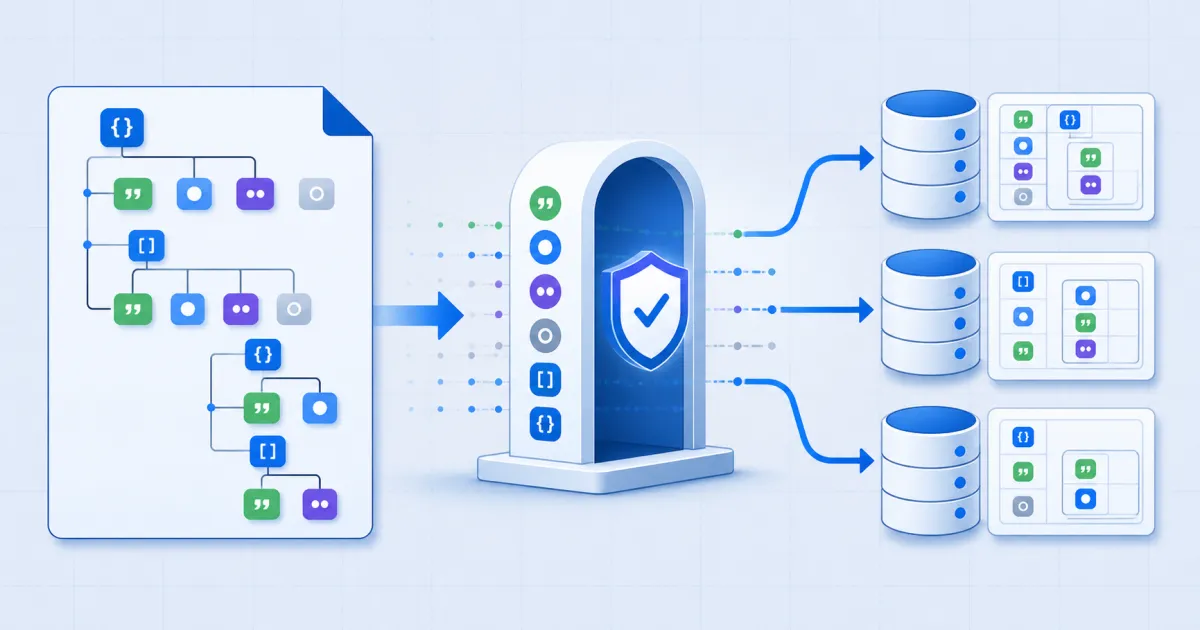
Convert JSON to SQL by reading each value's real type instead of its text. FindUtils JSON to SQL turns an array of objects into CREATE TABLE plus INSERT statements for PostgreSQL, MySQL or SQLite, in your browser. It does not upload the JSON and it does not connect to a database.
This guide explains how column types are decided, why the popular JSON-to-CSV-to-SQL workaround damages data, and where the tool deliberately stops.
Why Not Just Go Through CSV?
The two-hop route — JSON to CSV, then CSV to SQL — is the reason this tool exists, so it is worth being precise about what it costs.
CSV has exactly one type: text. JSON has four that matter here. Everything that is not a string has to be flattened on the way through, and there is no way to tell afterwards what it used to be.
| JSON value | After the CSV hop | Direct |
|---|---|---|
true | 'true' — a string | TRUE |
null | 'null' or '' | NULL |
{"a":1} | '[object Object]' | '{"a":1}' |
1.5 | usually survives | 1.5 |
The [object Object] case is the one people notice, because it is visibly broken. The boolean and null cases are worse: they look fine, import cleanly, and quietly give you a text column where you expected a boolean.
For a flat array of strings and numbers the CSV route is perfectly good. The moment a value is a boolean, a null, or nested, it is the wrong tool.
How to Convert JSON to SQL Online
Step 1Open the JSON to SQL Tool
Go to JSON to SQL. Use a synthetic API payload for the first conversion, then review the inferred types.
Step 2Paste the JSON
An array of objects is the normal input. A single object is treated as one row, and NDJSON — one object per line — is accepted too; it is tried automatically if the whole paste is not valid JSON on its own.
Step 3Name the Table
The table name is the only field you have to fill in. It is quoted for the dialect you pick, so a name with unusual characters is still safe.
Step 4Pick the Dialect
PostgreSQL, MySQL or SQLite. The choice changes identifier quoting, the type names in the CREATE TABLE, and how booleans are written.
Step 5Review the Inferred Types
The line under the output names every column and its type. Read it before you run anything — this is where a surprise shows up.
Step 6Copy or Download
Copy the SQL, or download it as a .sql file.
How Types Are Inferred
Each column is decided across every row, not from the first one.
- Whole numbers give an integer column.
- A decimal anywhere widens that column to numeric.
trueandfalsegive a boolean column.- Anything else, including a mix of a boolean and a number, gives text.
- A null never decides anything. A column of nulls and integers is an integer column.
That last rule is the one that saves you. If a null narrowed the type, one missing field in one row would turn a numeric column into text.
Booleans depend on the dialect. SQLite has no boolean literal, so it gets 1 and 0; PostgreSQL and MySQL get TRUE and FALSE.
Rows With Different Keys
The columns are the union of every key across every row, in the order the keys are first seen. A row that lacks one of them gets NULL for that column.
[{"a": 1}, {"b": 2}]becomes a table with both a and b, and two rows: (1, NULL) and (NULL, 2). Nothing is clipped, and nothing is invented.
One thing SQL cannot express: a key that is missing and a key explicitly set to null both become NULL. There is no third state to map them to.
Nested Objects and Arrays
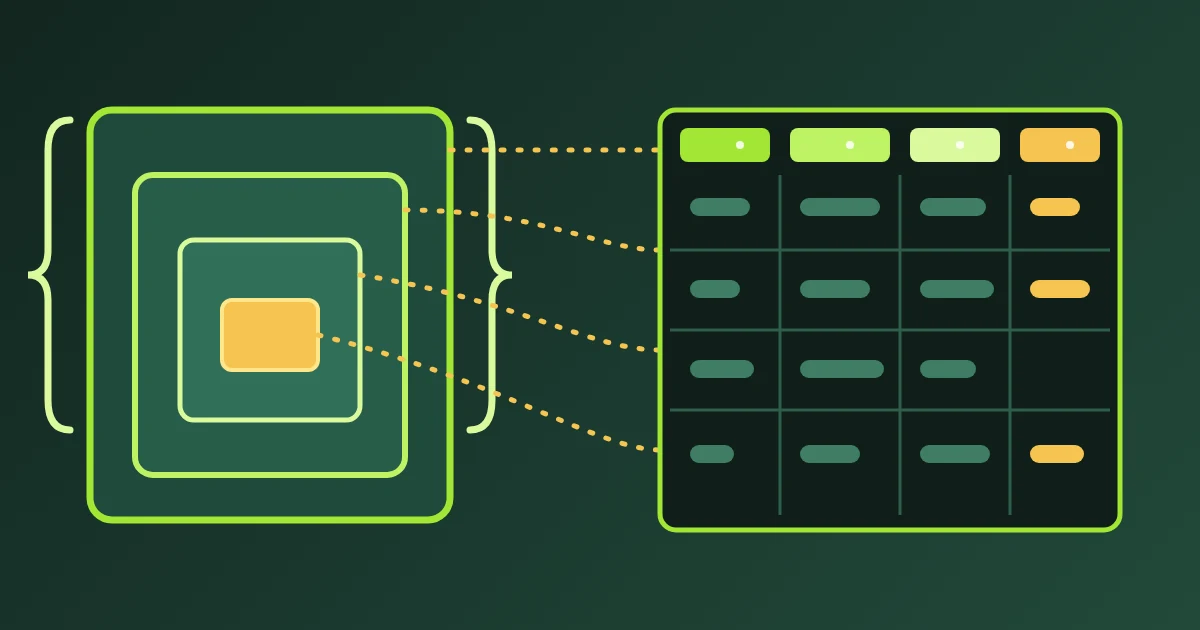
A nested object or array is stored as its JSON text in one column. It is never [object Object].
The tool does not split nested data into related tables, and that is deliberate. Deciding that an array of objects should become a second table with a foreign key is schema design — it depends on how you intend to query the data, which the JSON does not say. A converter that guessed would be wrong often enough to be worse than useless.
If you want the nesting flattened into columns instead, run the JSON through a flattener first and convert the result.
Common Mistakes
Mistake 1: Trusting the CSV Round Trip
Covered above, and worth repeating because it fails silently. Check the type line.
Mistake 2: Expecting Keys, Indexes or Constraints
The CREATE TABLE names columns and types and nothing else. A primary key depends on which field is actually unique, which the JSON does not state.
Mistake 3: Assuming the First Row Sets the Schema
It does not. Every row is read before the types are fixed, which is why a decimal in row 900 still widens the column.
Mistake 4: Running One Enormous Statement
Turn on multi-row INSERTs for a large array. They are chunked at 500 rows so no single statement becomes unmanageable.
Mistake 5: Pasting an Array of Non-Objects
[1, 2, 3] has no keys, so it has no columns. The tool says so rather than inventing a column name.
Review the Generated Schema
The generated SQL gives you a useful starting table. It cannot choose rules that do not exist in the JSON.
Check these items before you run the statements:
- Confirm that the table name matches your target schema.
- Review each inferred column type.
- Decide whether a text column contains nested JSON.
- Add a primary key only after you confirm uniqueness.
- Add
NOT NULLonly after you inspect missing keys and null values. - Add indexes for the queries that your application will run.
Run a small sample first when the destination already contains data. A database error is easier to correct before a large import starts.
Tools Used in This Guide
- JSON to SQLthis tool.
- CSV to SQLthe same emitter, starting from a spreadsheet.
- SQL to CSVread rows back out of a dump.
- JSON to CSVwhen a flat table really is what you want.
- SQL Formatterpretty-print the result.
FAQ
Is my JSON uploaded? No. Parsing and generation both happen in your browser.
How are types decided? From the real JSON values across every row. Nulls and missing keys are ignored while deciding.
What happens to a nested object?
It is stored as JSON text in one column, never [object Object].
Can I paste a single object? Yes, and NDJSON works too.
Which dialects are supported? PostgreSQL, MySQL and SQLite.
Does it create indexes or foreign keys? No. Those depend on how you query the data, which the JSON does not describe.
Next Steps
Once the table exists, SQL to CSV reads the rows back out of any dump you take of it, and SQL Formatter makes a long INSERT block readable in a pull request.