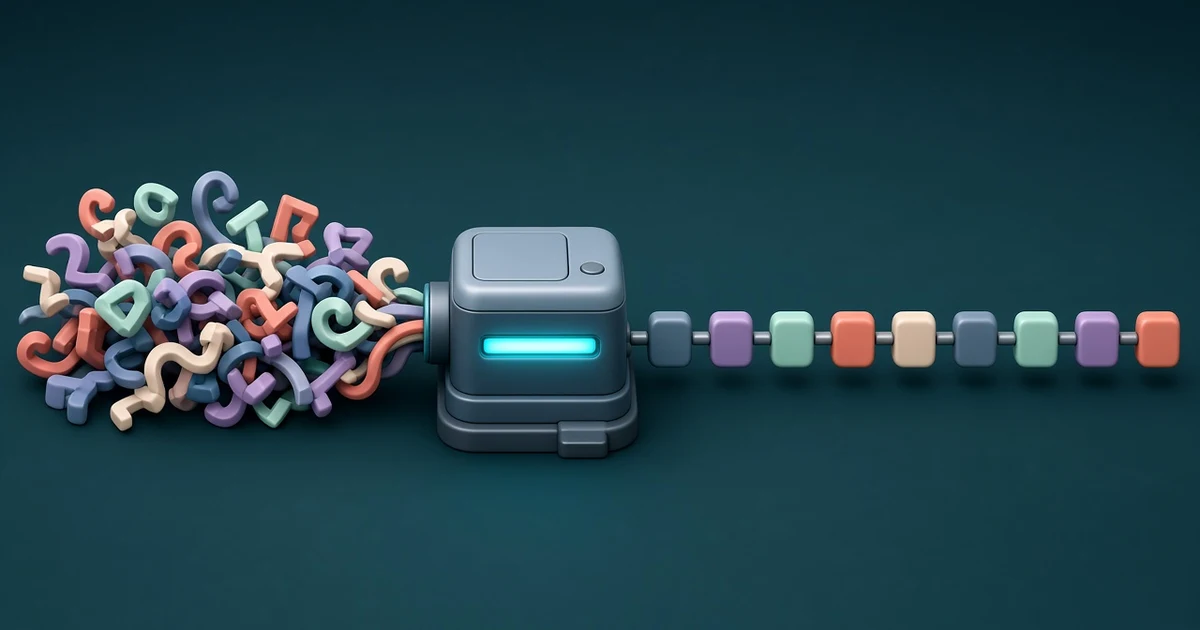
A URL slug is the readable part of a web address that names one page, such as cafe-menu-spring-2026 in example.com/blog/cafe-menu-spring-2026. The FindUtils URL Slug Generator turns any title into a slug as you type: it lowercases the text, replaces spaces and punctuation with hyphens, transliterates accented letters such as é and ş to plain ASCII, and trims the result to a length you choose. It also has a bulk mode for whole lists of titles with CSV export. It is free, needs no account, and the slugs are built in your browser.
This guide shows each option, real before-and-after examples (every output below was produced with the tool on findutils.com), and the cases where you should still read the slug before you publish it.
How Do You Create a URL Slug with the Generator?
- Open the tool at findutils.com/seo/url-slug-generator/.
- Type or paste a title into Title or Text, for example
Café Menu: Spring 2026. - Read the slug under Generated Slugs:
cafe-menu-spring-2026. It updates on every keystroke. - Set the options in the Options panel if the defaults do not fit: Separator, Max Length, Remove Stop Words and Lowercase.
- Check the full address in URL Preview. Type your own prefix, for example
https://example.com/blog/, to see the complete URL. - Copy the slug with the copy button next to it.
The defaults are the ones most sites want: hyphens, lowercase on, stop words kept, and a 60-character limit.
What Does Each Option Do?
| Option | Default | What it changes |
|---|---|---|
| Separator | Hyphens (kebab-case) | The character between words: -, _ (snake_case) or . |
| Max Length | 60 characters | Slider from 20 to 100 in steps of 5. Longer slugs are cut, at a word boundary where possible |
| Remove Stop Words | Off | Drops 68 common English words such as the, a, of, for, and, in |
| Lowercase | On | Turn off to keep the original capitals, for example iPhone-15-Pro-Review |
| Bulk Mode | Off | One title per line, one slug per line, with Copy All Slugs and Export as CSV |
Separator: why hyphens are the default
Google's URL structure guidelines recommend hyphens over underscores, because hyphens clearly mark a word boundary while underscores are often read as joining words, as in a function name like format_date. Keep Hyphens unless your platform requires something else. Hello World becomes hello-world, hello_world or hello.world with the three choices.
Lowercase: one page, one address
URL paths are case-sensitive: Google treats /APPLE and /apple as two different URLs. A lowercase slug avoids two versions of the same page appearing when someone types or links it with different capitals. Leave Lowercase on unless you have a reason not to.
Max Length: how the cut works
When a slug is longer than the limit, the tool cuts it at the limit and then steps back to the last separator, so a word is not split in half. It only steps back if that separator is past the middle of the limit; otherwise it cuts mid-word. For example, with the default 60 characters:
| Title | Slug |
|---|---|
| How to Write a Great Product Description That Actually Converts Visitors into Buyers | how-to-write-a-great-product-description-that-actually |
There is no official length limit for slugs. Shorter slugs are easier to read, share and type; aim for the few words that say what the page is about.
Remove Stop Words: useful, but read the result
Removing stop words shortens titles that are full of filler:
| Title | Stop words kept | Stop words removed |
|---|---|---|
| The Complete Guide to the Best Coffee in the World | the-complete-guide-to-the-best-coffee-in-the-world | complete-guide-best-coffee-world |
| 10 Best Ways to Save Money in 2026 | 10-best-ways-to-save-money-in-2026 | 10-best-ways-save-money-2026 |
But the list includes words that carry meaning, such as not, no, can and do. Do Not Track becomes just track, and To Be or Not to Be becomes an empty slug. If a title depends on one of these words, turn the option off or edit the slug by hand.
What Happens to Accented and Non-Latin Characters?
The generator replaces letters with marks by their closest plain letter, so the slug only contains a to z, 0 to 9 and the separator.
| Title | Slug |
|---|---|
| Café Menu: Spring 2026 | cafe-menu-spring-2026 |
| Ürün Açıklaması Nasıl Yazılır? | urun-aciklamasi-nasil-yazilir |
| Ça va? Señor Niño | ca-va-senor-nino |
| Kraków and Gdańsk | krakow-and-gdansk |
| Bäcker vs Bücher | baecker-vs-bucher |
| Müller & Söhne: Straße Guide | muller-sohne-strasse-guide |
Turkish, French, Spanish and most Polish and Central European letters come out as you would expect. Three cases need a manual check:
- German umlauts are mixed.
äbecomesaeandßbecomesss, butöandübecomeoandu(the Turkish convention). If your site follows the Germanoe/uespelling, fixmullertomuellerby hand. - Some letters disappear. Letters that are not "a base letter plus an accent", such as
Ł,Ø,ÆandĐ, are dropped:Łódź, Øresund and Æsirbecomesodz-resund-and-sir. Writelodz-oresund-and-aesiryourself. - Non-Latin scripts are removed. Cyrillic, Greek, Arabic, Chinese, Japanese and emoji are not transliterated.
東京 travel guidebecomestravel-guide, and a title written only in Cyrillic, such asПривет мир, produces no slug at all.
Google's own guidelines say to use words in your audience's language in the URL, including non-Latin ones, percent-encoded in links. Whether to transliterate or keep the original script is a real choice; the companion post Non-English URL slugs: transliterate, keep Unicode, or percent-encode? compares the options.
What Happens to Punctuation, Symbols and Spaces?
Everything that is not a letter or digit becomes a separator, repeated separators collapse into one, and separators at the start and end are trimmed.
| Title | Slug |
|---|---|
--Hello, World!!-- | hello-world |
| Kitchen Knife Set (12-Piece) – Stainless Steel | kitchen-knife-set-12-piece-stainless-steel |
| Don't Panic: It's 10 Tips | don-t-panic-it-s-10-tips |
| Rock & Roll 101 | rock-roll-101 |
| C++ vs C# | c-vs-c |
Two of these are worth editing. Apostrophes split words (don-t, it-s), so you may prefer dont-panic-its-10-tips. Symbols that carry meaning vanish: & is dropped rather than written as and, and C++ vs C# turns into c-vs-c. Write cpp-vs-csharp or similar instead.
How Do You Make Slugs for Many Titles at Once?
Turn on Bulk Mode and paste one title per line. Each non-empty line gets its own slug, with the original title shown next to it. With two or more lines you also get:
- Copy All Slugs, which copies the slugs one per line, in the same order as your titles.
- Export as CSV, which downloads
url-slugs.csvwith aTitleand aSlugcolumn, ready for a spreadsheet, a redirect map or a CMS import.
The same options apply to every line. Bulk mode does not check for duplicates, and two different titles can give the same slug (Hello World and Hello, World! both give hello-world). Sort the slug column in a spreadsheet, or paste it into the Duplicate Line Remover to spot clashes before an import.
Good Slug Habits
- Describe the page in a few words. Google's SEO Starter Guide notes that parts of the URL can appear in results as breadcrumbs, so words in the URL help people judge a result.
- Keep it stable. Changing a published slug breaks old links. If you must change it, set up a permanent (301 or 308) redirect from the old address; see 301 vs 302 vs 307 vs 308 and test it with the Redirect Chain Checker.
- Leave dates out unless they matter.
best-laptops-2026has to change next year;best-laptops-for-studentsdoes not. - Use the same slug rules everywhere. Mixed rules (some pages
mueller, othersmuller) create near-duplicate addresses. - Check the title too. Slugs are only one part of the search result; preview the title and description with the SERP Preview.
Frequently Asked Questions
What is a URL slug?
The part of a URL that identifies a single page, usually after the last slash. In example.com/blog/my-first-post, the slug is my-first-post.
Should I use hyphens or underscores?
Hyphens. Google recommends hyphens because they clearly separate words, while underscores are often read as joining them.
Does the generator support non-English titles?
Latin-script languages with accents (for example Turkish, French, Spanish and Polish) are transliterated to ASCII. A few letters (Ł, Ø, Æ, Đ) are dropped, German ö and ü become o and u, and non-Latin scripts such as Cyrillic or Japanese are removed, so check those slugs by hand.
Why is my slug shorter than the limit?
The tool backs up to the last whole word instead of cutting one in half. If the limit falls exactly at the end of a word, that word can still be dropped; raise the limit by 5 if a word you need is missing.
Do I need an account?
No. The tool is free, works without signup, and builds the slugs in your browser as you type.
Related Tools and Reading
- URL Slug Generator
- URL Encoder Decodersee how non-ASCII characters are percent-encoded
- URL Parsersplit a full URL into protocol, host, path and query
- Case Converter guidekebab-case, snake_case and camelCase for code identifiers
- URL encoding explained: percent-encoding and query strings
- Non-English URL slugs: transliterate, keep Unicode, or percent-encode?