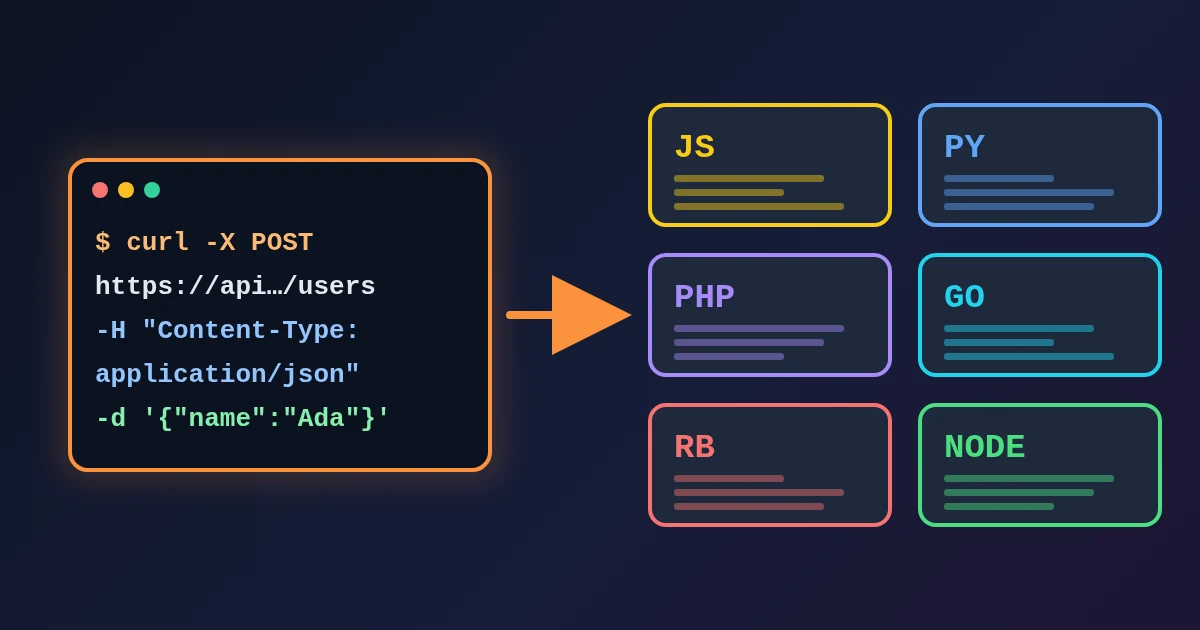
A JSON to Zod converter reads a sample of JSON and writes the Zod schema that validates data of the same shape, together with the TypeScript type that Zod infers from it. Paste your JSON into the FindUtils JSON to Zod Schema tool, click Generate Zod Schema, and the output panel shows an import { z } from "zod"; line, a schema built from z.object(), z.array(), z.string() and friends, and a type SchemaType = z.infer<typeof schema>; line. It is free, needs no signup, and on the tool page the conversion runs in your browser.
A generator only sees one sample, so it guesses. Our tests below show that a schema generated from a realistic order can reject the very order it came from. This guide shows how to run the tool, what each option does, and the seven edits that turn a first draft into a schema you can ship.
What Does a JSON to Zod Generator Do?
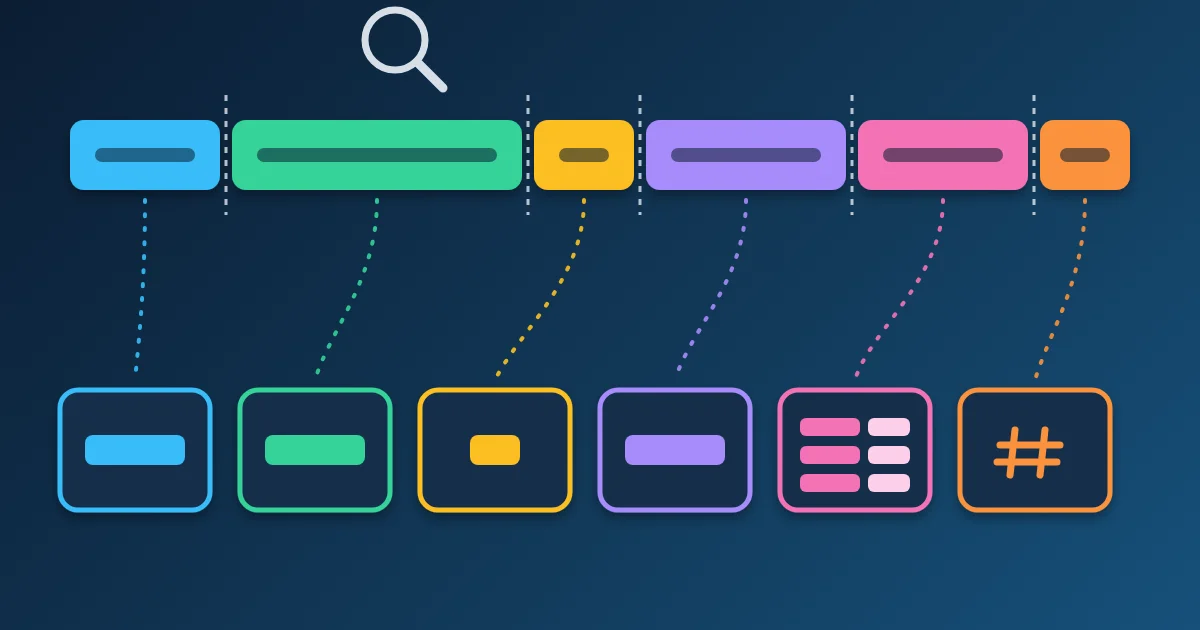
It maps every JSON value to a Zod validator. Zod is a TypeScript-first validation library: a schema checks data at runtime with .parse() or .safeParse(), and z.infer turns the same schema into a static type, so the type and the runtime check cannot drift apart. The FindUtils tool maps values like this:
| JSON value in the sample | Generated Zod code | Comment added (Add Comments on) |
|---|---|---|
"text" | z.string() | none |
"2024-01-15T10:30:00Z" (starts with YYYY-MM-DD) | z.string().datetime() | // ISO date |
"[email protected]" | z.string().email() | // email format |
"https://example.com" | z.string().url() | // URL format |
"550e8400-e29b-41d4-a716-446655440000" | z.string().uuid() | // UUID format |
30 | z.number().int() | // integer |
59.9 | z.number() | none |
true / false | z.boolean() | none |
null | z.null() | none |
{ ... } | z.object({ ... }), nested | none |
["a", "b"] | z.array(z.string()) | none |
[] | z.array(z.unknown()) | none |
Keys that are not valid JavaScript identifiers, such as coupon-code, are written in quotes. A JSON array at the root becomes z.array(...) at the root.
How to Generate a Zod Schema Online
Step 1Paste Valid JSON
Open JSON to Zod Schema and paste an API response, a fixture file or a config object into JSON Input, or click Load Sample to see a filled-in user record first. The input must be strict JSON. Single quotes, trailing commas or unquoted keys produce "Invalid JSON format. Please check your input." Clean the input with the JSON Formatter first if you copied it from a log or a JavaScript file.
Step 2Choose the Options
- Export Type:
const (local)writesconst schema = ...with a localtype SchemaType.Named Exportwritesexport const schemaandexport type SchemaType.Default Exportkeepsconst schema, exports the type, and addsexport default schema;. - Add Comments (on by default): appends
// email format,// ISO date,// integerand similar notes after detected formats, so a reviewer can see why each validator was picked. - Mark Optional (off by default): adds
.optional()to every property of every object, nested ones included. It is all or nothing; see edit 3 below.
Step 3Generate, Copy or Download
Click Generate Zod Schema. The output does not update as you type, so click it again after you change the JSON or an option. Copy puts the code on your clipboard and Download.ts saves it as schema.ts. Clear empties both panels.
A Worked Example: The Schema That Rejects Its Own Sample
Here is a small order as an API might return it:
{
  "orderId": "A-1001",
  "placedAt": "2026-11-11T08:15:00+03:00",
  "shipBy": "2026-11-14",
  "total": 20,
  "discount": null,
  "items": [{ "sku": "MUG-01", "qty": 2, "price": 10 }],
  "notes": ["gift", 3],
  "coupon-code": "WELCOME10",
  "support": "mailto:[email protected]"
}
With the default options the tool writes:
import { z } from "zod";

const schema = z.object({
  orderId: z.string(),
  placedAt: z.string().datetime(), // ISO date
  shipBy: z.string().datetime(), // ISO date
  total: z.number().int(), // integer
  discount: z.null(),
  items: z.array(z.object({
    sku: z.string(),
    qty: z.number().int(), // integer
    price: z.number().int(), // integer
  })),
  notes: z.array(z.string()),
  "coupon-code": z.string(),
  support: z.string().email(), // email format
});

// Infer TypeScript type from schema
type SchemaType = z.infer<typeof schema>;
We ran schema.safeParse() on the same order with Zod 3.25.76 and Zod 4.6.7. Both versions rejected it with four issues: placedAt and shipBy are not accepted by .datetime(), notes.1 is a number, and support is not a valid email. A later order with "total": 24.5 or a real discount fails too. Every one of those failures comes from a guess the generator had to make, and each has a one-line fix.
Seven Edits That Make a Generated Zod Schema Safe to Ship
1. Pick the right date validator
The tool writes z.string().datetime() for any string that starts with a YYYY-MM-DD date. By default Zod's datetime() accepts only UTC times written with Z, such as 2026-11-11T05:15:00Z or 2026-11-11T05:15:00.123Z. In our tests it rejected a date with no time (2026-11-14), a time with an offset (+03:00) and a time with no zone at all.
| Value in your data | Use (Zod 3 method form) | Zod 4 top-level form |
|---|---|---|
2026-11-11T05:15:00Z | z.string().datetime() | z.iso.datetime() |
2026-11-11T08:15:00+03:00 | z.string().datetime({ offset: true }) | z.iso.datetime({ offset: true }) |
2026-11-14 | z.string().date() | z.iso.date() |
2. Turn z.null() into a nullable type
A null in the sample becomes z.null(), which accepts only null. The day discount holds 5.5, validation fails. Replace it with the real type plus .nullable(), for example discount: z.number().nullable(). If the key can also be missing, use .nullish(). The difference between the three is the subject of Zod optional vs nullable vs nullish.
3. Mark only the keys that can really be missing
Mark Optional adds .optional() to every property, including the ones your code depends on, such as orderId. It is quicker to leave the toggle off and add .optional() by hand to the keys that some responses leave out. Compare two or three real responses in JSON Diff to see which keys come and go. Note that .optional() accepts a missing key but still rejects null.
4. Drop .int() from amounts and measurements
The tool adds .int() when the sample number has no fraction, so a price of 10 becomes z.number().int() and the next price of 24.5 fails. Keep .int() for counts, IDs and quantities, and use plain z.number() for money, weights and percentages. In Zod 4, .int() also rejects integers outside JavaScript's safe range, so very large IDs are better kept as strings.
5. Write unions for mixed arrays
Array items are typed from the first item only. ["gift", 3] becomes z.array(z.string()), and an array of objects is typed from the first object, so keys that only later items have are left out. Write the union yourself, such as z.array(z.union([z.string(), z.number()])), and check the other items of object arrays for extra keys.
6. Check every detected email and URL
Format detection uses simple patterns. Any string with an @ and a dot and no spaces is treated as an email, so mailto:[email protected] gets z.string().email(), which then rejects it. Only strings that start with http:// or https:// are detected as URLs, but Zod's .url() accepts other schemes too: in our tests it passed ftp://example.com and mailto:[email protected]. If only web links are allowed, add a check such as .startsWith("https://"). In Zod 4 the method forms still work but are deprecated in favour of z.email(), z.url() and z.uuid(), and z.uuid() checks the RFC variant bits more strictly, so a made-up UUID that Zod 3 accepted can fail.
7. Decide what happens to unknown keys
By default z.object() strips keys it does not know: parsing { "a": "x", "b": 1 } against an object with only a returns { "a": "x" } without an error. That is usually what you want for API responses. Use .strict() (or z.strictObject() in Zod 4) when an extra key should be an error, for example in a config file where a typo should not pass silently.
Zod 3 or Zod 4?
The generated code uses the method style (z.string().email(), z.string().datetime()), which Zod 3 expects. It also compiles and runs on Zod 4: we validated the worked example on both versions. The Zod 4 migration guide marks those methods as deprecated rather than removed. If your project is on Zod 4, switching to the top-level forms (z.email(), z.iso.datetime()) is a search-and-replace job you can do after the edits above.
Common Mistakes to Avoid
Mistake 1: Generating from one hand-picked example
One tidy record hides nulls, missing keys and decimal prices. Generate from a real response, then compare it with a second one before you trust the schema.
Mistake 2: Using .parse() where a bad payload is expected
.parse() throws on invalid data. For data from outside your app, .safeParse() returns { success, data } or { success, error }, and error.issues lists the path and message of every problem, which is far easier to log.
Mistake 3: Leaving z.array(z.unknown()) in place
An empty array in the sample gives z.array(z.unknown()), which accepts anything inside the array. Find a sample with items or write the item schema yourself.
Mistake 4: Validating numbers that arrive as strings
Query strings and form fields are strings. z.number() rejects "42"; z.coerce.number() turns it into 42 first. Use coercion only for inputs that are strings by nature, not for JSON APIs that should send numbers.
JSON to Zod vs Other Ways to Describe JSON
| You need | Use |
|---|---|
| Runtime validation and a TypeScript type from one source | JSON to Zod Schema |
| Types only, no runtime check | JSON to TypeScript |
| A language-neutral contract to share with other teams | JSON Schema Generator, then test data in JSON Schema Validator |
| A quick form built from a JSON object | JSON to Form |
Tools Used in This Guide
- JSON to Zod Schemagenerate the first draft of the schema
- JSON Formatterfix and pretty-print the sample
- JSON Difffind keys that only some responses have
- JSON to TypeScripttypes without runtime validation
FAQ
How do I convert JSON to a Zod schema?
Paste the JSON into the FindUtils JSON to Zod Schema tool and click Generate Zod Schema. Copy the output, then check dates, nulls, optional keys, integers and arrays before you use it.
Why does my generated schema reject valid data?
Usually because of a guess from the sample: datetime() rejects offsets and date-only strings, z.null() rejects real values, .int() rejects decimals, and arrays are typed from their first item.
Does the tool detect optional fields?
No. It sees one sample, so it cannot know which keys are sometimes missing. Mark Optional adds .optional() to every key; for precise results, add it by hand to the keys that can be absent.
Does the output work with Zod 4?
Yes. In our tests the generated code ran on Zod 4.6.7. The method forms it uses are deprecated in Zod 4 but still supported.
Can I use the schema with React Hook Form?
Yes. Pass it to zodResolver(schema) from @hookform/resolvers. Form inputs are strings, so number fields may need z.coerce.number().
Is my JSON uploaded?
No. On the tool page the schema is generated in your browser and the JSON is not sent anywhere.